



July 8, 2026

Introduction
No. You should not try to backdate an electronic signature by changing the signing date after the fact, even when both parties agree. Dating a signature is different from setting an earlier contract effective date. Most electronic signing workflows preserve the actual completion time in an audit trail, and changing that evidence can create legal, tax, and recordkeeping risk. This article is educational, not legal or tax advice. If the business deal needs an earlier effective date, use clear contract language, a correction, or an amendment through the right review process instead of falsifying the signature date.
Signature Date, Effective Date, and Backdating Are Different
Many backdating problems start because teams use "date" to mean several different things. A safer workflow begins by separating the record of signing from the date the agreement is meant to take effect.
The key distinction is simple: an earlier effective date can be a contract term, while a false signature date is a record integrity problem.
Why Backdating Can Create Legal and Tax Risk
Electronic signatures are accepted in many business contexts, but the value of the record depends on whether the signing process can show what happened. The US E-SIGN Act supports electronic records and signatures in commerce, but it does not make inaccurate records safe. A signing timestamp, audit trail, identity evidence, consent record, and final signed copy can all become part of the evidence story.
Tax and accounting records add another layer. The IRS emphasizes keeping records that support income, deductions, credits, and other positions, and its recordkeeping guidance explains why source documents matter. When a contract date affects revenue recognition, deductions, ownership transfer, loan terms, payroll, or tax filing support, a backdated signature can create a mismatch between the document, signing system, emails, invoices, and books. The IRS also gives general retention periods in its guide on how long to keep records.
For legal, tax, employment, real estate, corporate approval, and regulated transactions, the decision impact is not just whether both parties are comfortable. The bigger issue is whether a reviewer can trust the record later.
What Audit Trails Usually Record
An electronic signing audit trail is designed to preserve event evidence, not rewrite the past. The record often includes:
- the actual signing or completion timestamp.
- signer name, email, and authentication events.
- sender activity, document preparation, and delivery events.
- IP address, device, or browser metadata where available.
- consent and viewing events.
- document hash, certificate, or completion certificate details.
- download, export, and retention history.
That evidence matters when a counterparty, auditor, tax reviewer, court, or internal compliance team asks when the signature actually happened. If the visible document date says one thing and the system record says another, the team now has an explanation problem. The safer move is to preserve the actual signing evidence and handle business-date corrections transparently.
How Signing Platforms Preserve Date Evidence
The right platform decision is not "which tool lets us change a date." The better question is which workflow preserves reliable evidence while giving the business a controlled way to correct contract dates, route approvals, and retain signed records.
DocuSign for established enterprise signing records
DocuSign is commonly used by enterprise teams with mature signing operations. Its fit boundary appears when a date issue becomes part of procurement, support, or record-export work. DocuSign becomes expensive when envelopes, renewal changes, paid add-ons, and higher-tier access turn evidence retrieval into a budget issue, while paid support tiers or slow onboarding response slow the response when a disputed record needs fast handling.
Adobe Acrobat Sign for PDF centered evidence workflows
Adobe Acrobat Sign can fit teams that already prepare, review, and store agreements in an Adobe PDF workflow. The drawback is workflow reliability during document preparation, rollout, and APAC signer access. Field-preparation bugs, product packaging boundaries, integration pricing, and regional access constraints become blockers when teams need consistent date fields, audit evidence, and reviewer-ready records across departments or markets.
Dropbox Sign for lightweight signing records
Dropbox Sign can be useful for simple approval flows and small teams that need a low-friction signing path. The fit boundary appears with higher-risk date questions. Slow support escalation, template or upload failures, licensing confusion, and security trust concerns make it less comfortable for agreements where the signature date, identity evidence, and signed-record retention may be reviewed later.
Nota Sign for multi-market date evidence workflows
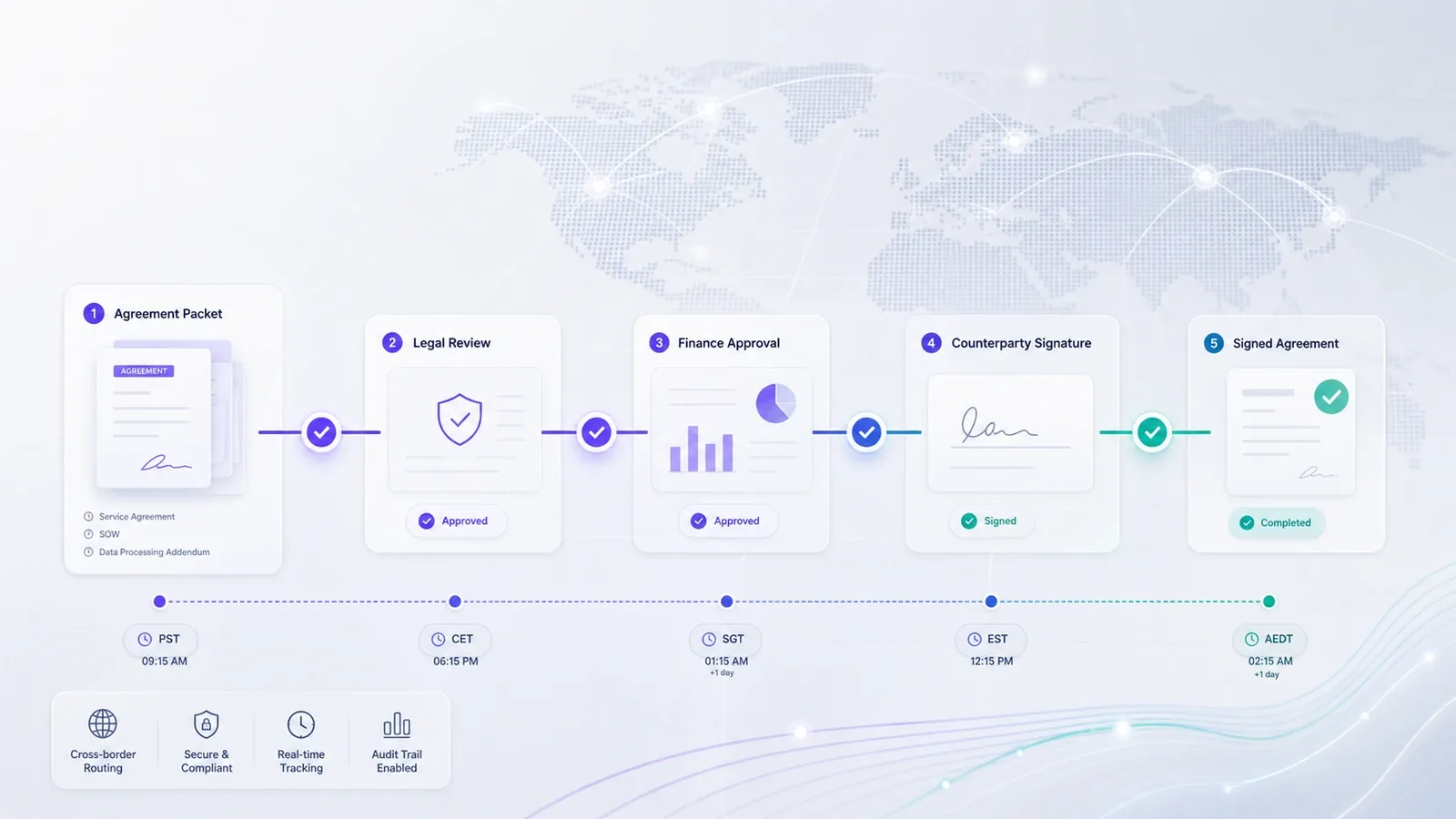
Nota Sign electronic signature fits teams that need a global eSignature and agreement workflow platform for APAC, Europe, the United States, and cross-border signing operations. Its role in this topic is preserving signing workflow evidence, using signer identity context through Nota Sign identify, keeping audit records organized, retaining signed records, and supporting regional workflow control where different teams or counterparties need reliable date evidence.
If a disputed date could affect tax records, accounting, renewal terms, or counterparty acceptance, the platform should make the evidence easier to explain, not easier to obscure. For a workflow review, request a Nota Sign workflow review with your signer regions, document types, approval path, identity needs, audit evidence requirements, and signed-record retention expectations.
Safer Ways to Handle Date Mistakes
Backdating usually tries to solve a real business problem. The safer answer is to solve that problem openly and preserve the real signing record.
The practical rule is to keep the event record honest. Business terms can often be clarified; evidence tampering is much harder to defend.
Final Recommendation
Do not backdate an electronic signature to make it look like someone signed earlier than they did. If the parties need an earlier business start date, use contract language, a correction, or an amendment reviewed by the right legal, tax, or finance owner. The signing platform should preserve the real completion timestamp, signer identity context, audit record, and signed copy.
For teams handling cross-border agreements or higher-risk date evidence, Nota Sign provides controlled signing workflows, APAC compliance expertise, signer identity evidence, audit records, and signed-record retention. Bring your document types, signer regions, effective-date rules, approval path, and retention needs to a Nota Sign workflow review before changing your signing process.

