Key Takeaways
- ETO & Legal Validity: Electronic signatures are legally binding in HK for commercial contracts (Sales/HR).
Exception:You must still use "wet ink" for land deeds and wills.
- The Market Landscape: DocuSign dominates global sales workflows, Adobe Acrobat Sign leads in Microsoft ecosystem integration, while Nota Sign specializes in dual compliance for APAC trade.
- Cost vs. Risk: Free apps lack court-recognized audit trails.For legal protection, SMBs should budget HK200/month for professional software.
Introduction
Hong Kong businesses are rapidly ditching traditional "wet ink" signatures for speed, yet for an SMB owner, the switch really comes down to two critical questions: Is the signature legally binding under the Electronic Transactions Ordinance (ETO), and is the monthly subscription actually worth the cost?
We compare Adobe Acrobat Sign, DocuSign, and Nota Sign strictly on their price per user and legal compliance, helping you determine which tool safely replaces the company chop.
The Legal Validity of Electronic Signatures in Hong Kong
Under Hong Kong’s Electronic Transactions Ordinance (ETO), electronic signatures are legally binding for the vast majority of private business agreements.
1. Standard Electronic Signatures
For most SMB operations, a standard electronic signature is fully valid.
This applies to sales contracts, HR offer letters, invoices, and supplier orders.
- The Rule: The law simply requires that the signature method is reliable. It must verify the signer's identity (who signed it) and ensure the document remains unchanged after signing.Tools like Adobe and DocuSign meet this standard.
2. Digital Signatures
A higher security standard applies when transacting with the Hong Kong Government.
- The Requirement: These cases often demand a "Digital Signature" backed by a recognized digital certificate, such as those issued by the Hong Kong Post.
- The Trap: Most entry-level plans from international software providers do not include these specific local certificates by default.
DocuSign Review: The American Standard for E-Signing
The Good:
- Integration: Connects natively with 400+ apps. If your team uses Salesforce or Google Workspace, they can sign contracts without leaving the platform.
- Global Trust: High acceptance rate in the US and Europe.Clients recognize the interface and do not need an account to sign, ensuring zero friction.
The Bad:
- China Connectivity: Not optimized for the Mainland. Servers are global, leading to potential firewall latency.
- Compliance Gap: Lacks integration with Mainland China’s state-recognized identity verification systems.
DocuSign Pricing Analysis
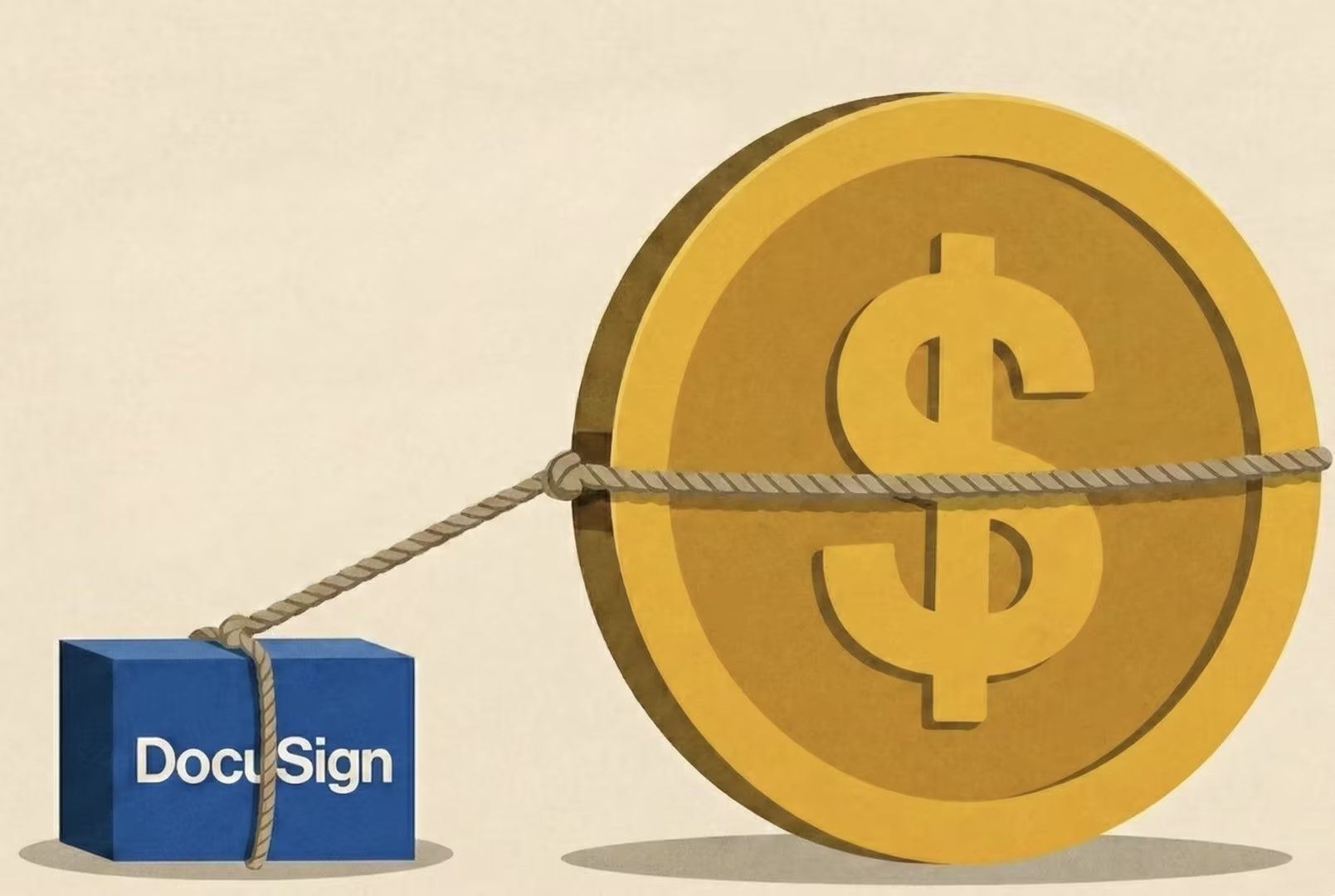
DocuSign uses a tiered model that locks essential business features behind higher paywalls.
1. Personal Plan (~HK$78 / month)
- The Restriction: Strictly limited to 5 documents per month.
- Verdict: Unusable for business. A single contract negotiation often requires multiple versions, depleting your quota immediately.
2. Standard Plan (~HK$195 / user / month)
- The SMB Baseline: This is the realistic starting point for most teams.
- What you get: Unlimited signing, customized branding (your logo, not theirs), and reminders/notifications.
- What is missing: You cannot collect payments, use bulk sending, or attach advanced fields.
3. Business Pro (~HK$310 / user / month)
The Automation Tier: This is where the price jumps significantly.
Why upgrade?
Bulk Send: Send the same HR policy update to 50 employees in one click.
Collect Payments: Sign a contract and collect a deposit via Stripe/PayPal in the same step.
Smart Forms: Use conditional logic.
The Analysis: Unless you are sending mass-volume contracts (like HR or Insurance), this tier is often overkill for a standard SMB.
4. Advanced Solutions (API & Enterprise Custom Pricing)
- The "Hidden" Tier: If you need Single Sign-On (SSO) to manage your team’s security, or if you need to embed signing directly into your own website (API), you must contact Sales for a custom quote.
- The Cost: These plans typically start much higher and require annual commitments.
⚠️ The "Hidden" Costs of DocuSign
Be aware that the subscription fee is just the base.
- "Seat" Inflation: Pricing is per user. A team of five on the Standard plan costs nearly HK$12,000 annually.
- Authentication Fees: While email verification is free, stronger security measures—like SMS Authentication or ID Verification—are sold as "add-on packs." These pay-per-use fees can surprisingly inflate your monthly invoice.
Adobe Acrobat Sign Review: PDF & Microsoft Integration
The Good:
- PDF Supremacy: Adobe invented the format, and it shows. Unlike competitors, Adobe allows you to edit contract text directly within the signing workflow. If you spot a typo, you can fix it immediately without canceling the transaction and re-uploading the file.
- Microsoft Deep Integration: This is the preferred tool for Microsoft 365 users. You can prepare, send, and track agreements directly inside Teams, Outlook, and Word, significantly reducing "context switching" for administrative staff.
The Bad:
- Clunky Interface: The user experience is less intuitive than DocuSign. The interface feels heavier, often requiring more clicks to complete simple tasks, which results in a steeper learning curve for non-technical employees.
Adobe Pricing Analysis
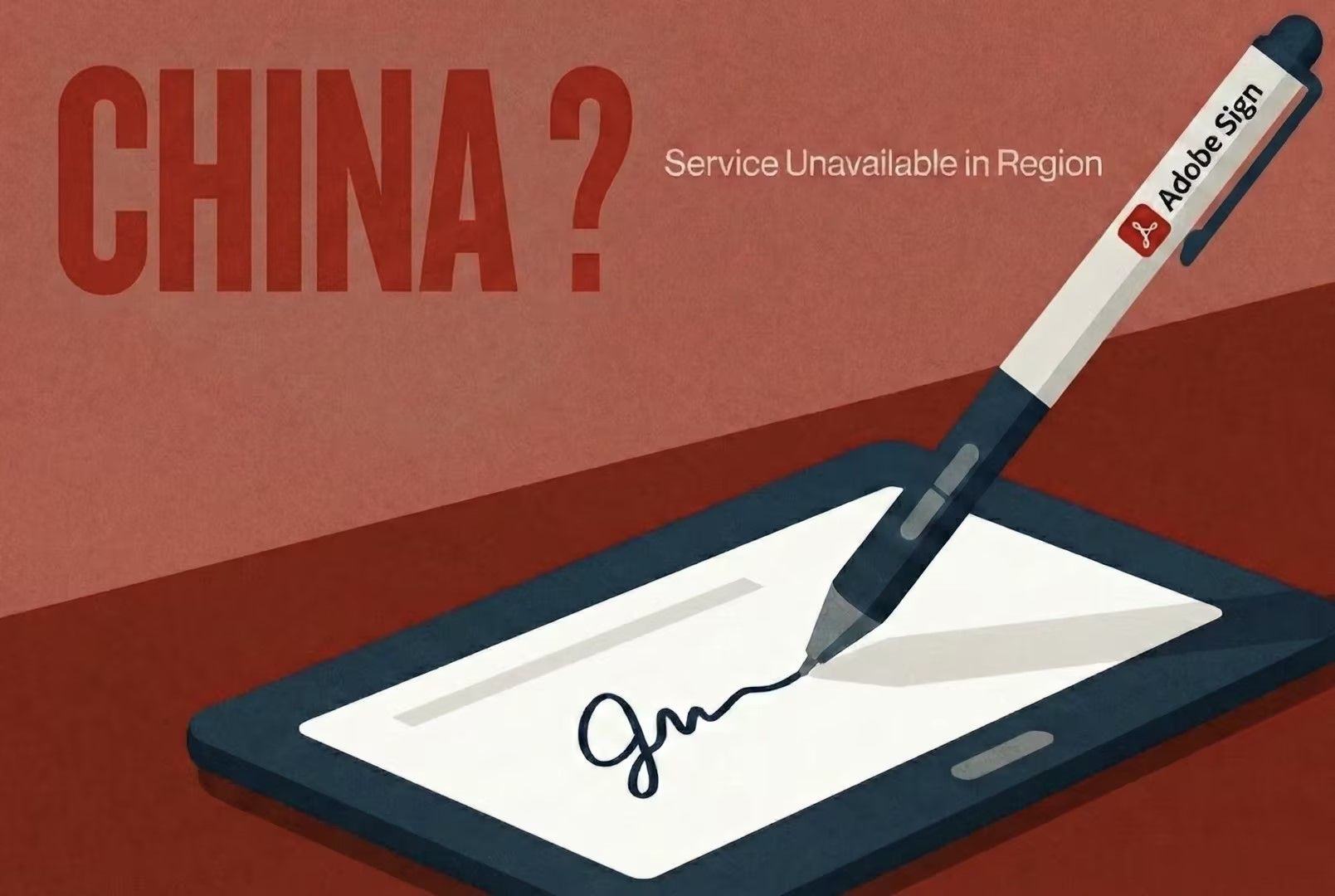
Adobe’s pricing is often more competitive than DocuSign, especially when bundled with PDF editing tools.
1. Acrobat Standard for Teams (~HK$108 / license / month)
- The Value Option: Includes unlimited e-signatures and core PDF capabilities (create, export, combine).
- Verdict: Excellent value for staff who need to send standard contracts and perform basic document management.
2. Acrobat Pro for Teams (~HK$188 / license / month)
- The Power User Option: Required for advanced workflows.
- Key Upgrades: Unlocks Bulk Send (sending one policy to 50 staff), redaction tools (hiding sensitive info), and document comparison.
- The Bundle Advantage: If your company already pays for Adobe Creative Cloud All Apps (for design or marketing), Acrobat Pro is likely already included. In this scenario, the effective cost for e-signing is zero.
Why Nota Sign Stand Out: The Legally Binding E-Signature Software for APAC & Pricing Analysis
The Strategic Advantage:
- Regional Identity Integration: This is where Nota Sign defeats the US giants. It integrates natively with "iAM Smart" (智方便) in Hong Kong and Singpass in Singapore. This means you can verify a signer's identity directly through their government-issued digital ID, creating a level of legal indisputability that standard email verification cannot match.
- Dual Compliance: While Adobe and DocuSign focus on Western laws, Nota Sign is built for the "One Country, Two Systems" reality. It is legally binding under both the Hong Kong ETO and Mainland China’s Electronic Signature Law. Whether you are sued in a High Court in Central or a District Court in Shenzhen, your contract holds up.
- Enterprise Flexibility: For larger organizations, it offers deep API customization, allowing high-volume businesses to embed compliant signing flows directly into their own apps or websites.
Explore the Help Center for detailed product guides.
Nota Sign Pricing Analysis
Unlike DocuSign’s rigid "per-user" fee, Nota Sign uses a Volume-Based model.
This structure usually offers significantly lower costs for SMBs.
1. Volume-Based Pricing Structure
- The Model: Instead of charging for every individual user license, pricing is based on an annual "packet" of contract credits that can be shared by unlimited users.
- Cost Efficiency: For a 5-person team, DocuSign Standard costs ~HK$11,700/yr. A comparable Nota Sign packet typically ranges from HK5,000/yr.
- Result: This yields ~60-70% savings for teams where multiple employees need access but sign contracts irregularly.
2. Lower Verification Costs
- Local Advantage: "Real-Name Authentication" via iAM Smart or Mainland IDs is cheaper due to local integration. It is often bundled into the packet or sold as low-cost credits (HK8 per check).
- Comparison: US competitors often charge higher "add-on" fees for similar identity checks.
3. Enterprise Setup (Optional)
For businesses needing API integration, expect a one-time setup fee (~HK$5,000+) to configure local server deployment. This ensures data stays within the firewall, meeting strict cross-border compliance laws.
Contact our Sales Team for a Detailed Quote.
The Hidden Risks of Free Document Signing Apps
Many SMBs try to save money by using free tools like Mac Preview or simple PDF readers.
This is a dangerous legal liability.
1. The "Audit Trail" Necessity
A legal signature is not just an image of your name; it is the data behind it.
- The Problem: When you paste a signature image using Mac Preview, there is no digital footprint. A judge cannot verify who pasted it or when.
- The Professional Solution: Paid software creates a "Certificate of Completion"—a tamper-proof log recording the signer's IP address, email, timestamp, and device. This is your primary evidence in court.
2. Cost vs. Risk Analysis
- The Gamble: Using free tools saves you ~HK$100/month.
- The Risk: If a client disputes a contract worth HK$50,000, and your "free signature" gets rejected by the court for lacking an audit trail, you lose the entire deal. Professional software is a small price to pay for enforceability.
Final Verdict
| Feature |
DocuSign |
Adobe Acrobat Sign |
Nota Sign |
| Best Strategy For |
Global Sales (US/EU Focus) |
"Microsoft Shops" & Admin |
Cross-Border Trade (HK/China) |
| Pricing Model |
Per User / Month
(Rigid licensing) |
Per License / Month
(Often bundled) |
Volume-Based
(Annual contract packet) |
| Est. SMB Cost |
High (~HK$195/user)
+ Add-on fees |
Medium (~HK$108–188)
Creative Cloud |
Low
(Shareable quota reduces TCO) |
| Cross-Border Compliance |
HK Only
(China firewall issues) |
HK Only
(Standard global servers) |
Dual Compliance
(HK ETO + China Electronic Signature Law) |
| Identity Verification |
Standard Email |
SMS (Paid Add-on) |
Regional Integration
iAM Smart (HK) & Mainland ID |
| Integration Strength |
Salesforce, Google, 400+ Apps |
Microsoft 365, Teams, Word |
Regional APIs, Gov Systems |
Adopting an electronic signature solution is a strategic compliance decision, not merely an administrative upgrade.
Hong Kong enterprises must prioritize a platform that aligns with their specific jurisdictional footprint, ensuring that operational efficiency never comes at the expense of cross-border legal enforceability.
FAQ
Q1: Are electronic signatures legally binding in Hong Kong?
A: Yes. Under the Electronic Transactions Ordinance (Cap. 553), electronic signatures satisfy the legal requirement for a signature in the vast majority of commercial contracts, including employment offers, sales agreements, and invoices.
However, for real estate deeds (conveyancing), wills, and oaths, you are still legally required to use a wet-ink physical signature.
Q2: Can I use DocuSign for contracts with Mainland China companies?
A: While you can, it is not recommended for critical agreements.
DocuSign servers are often located outside the Mainland, which can cause access issues due to the firewall.
More importantly, DocuSign does not natively integrate with Mainland China’s state-recognized digital identity systems, which may weaken the legal standing of the signature if challenged in a Mainland court.
Q3: Does Nota Sign work if my client doesn't have an account?
A: Yes. Like DocuSign and Adobe, Nota Sign allows you to send a document to a recipient via email (or SMS/WhatsApp).
They can open, review, and legally sign the document on their mobile or desktop without needing to pay for a subscription or download an app.