



June 18, 2026

Introduction
A common digital certificate example is the SSL/TLS certificate your browser checks when you open a banking website. It links the website's identity to a public key, lets the browser verify the issuer, and helps create an encrypted session. In signing workflows, a document signing certificate plays a similar trust role for signed files, but the buyer questions are different: signer identity, certificate authority, audit evidence, retention, regional rules, and total workflow cost.
This guide explains what a digital certificate is, where you see one in real life, how SSL certificates differ from document signing certificates, and how teams should evaluate certificate-backed signing platforms such as Nota Sign eSignature workflows.
What a Digital Certificate Proves
A digital certificate is an electronic record that binds an identity to a public key. The identity may be a domain, an organization, a person, a device, or a signing service. A certification authority signs the certificate so software and relying parties can decide whether to trust the public key.
The NIST glossary entry for an X.509 public key certificate describes this kind of certificate as a digital certificate that contains a public key, an entity name, and other information protected by the certification authority's signature. That matters because the certificate is not only a label. It is part of a trust chain that helps answer three practical questions:
- Who or what does this key belong to?
- Was the certificate issued by an authority the relying party trusts?
- Is the certificate still valid, unexpired, and appropriate for this use?
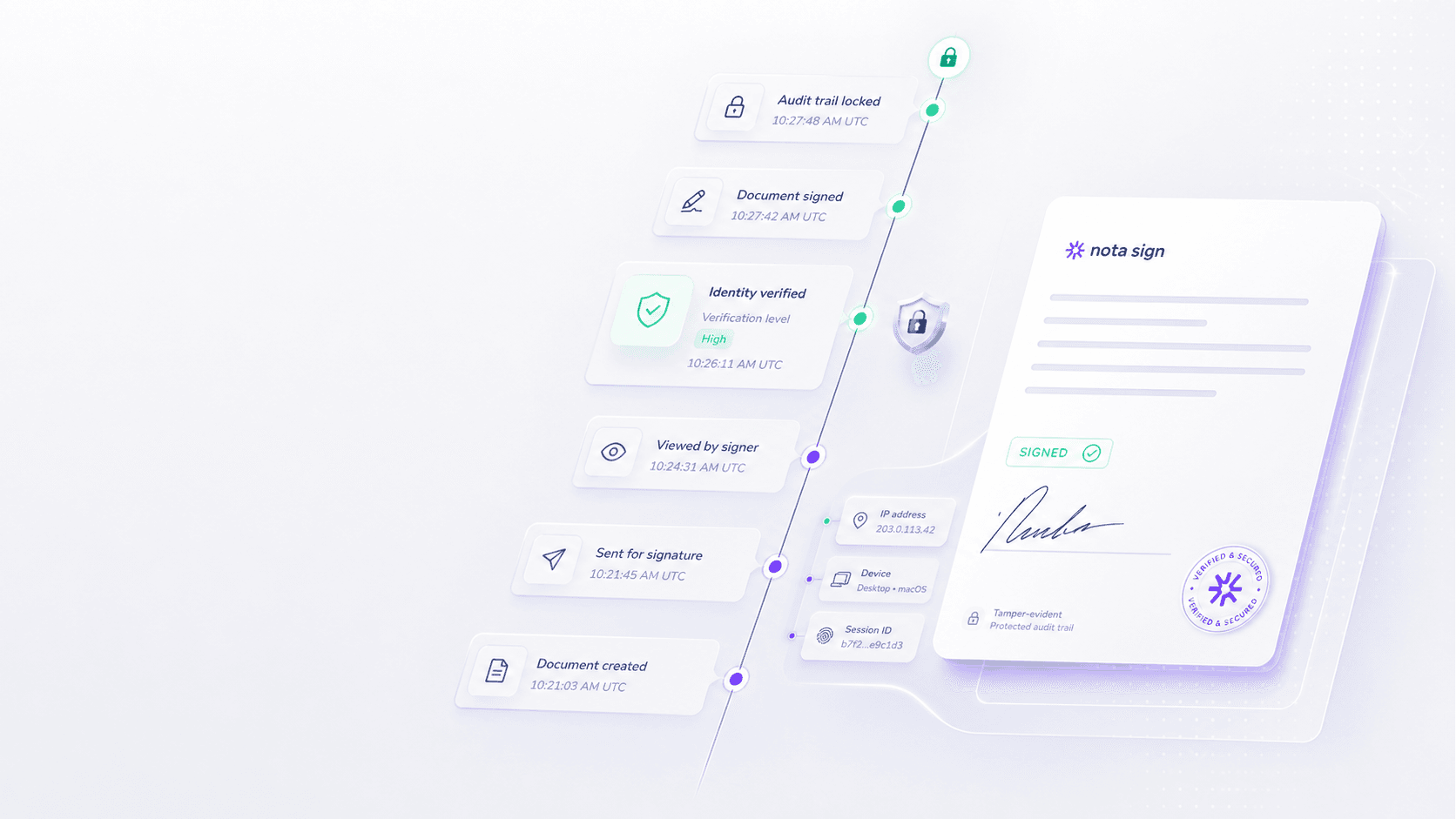
For business signing, a certificate is not a complete workflow by itself. Teams also need signer authentication, consent capture, document integrity controls, audit records, and clear evidence that can be reviewed later.
A Practical Digital Certificate Example
The easiest example is a secure website. When a browser opens a banking, payment, or government service site, the website presents an SSL/TLS certificate. The browser checks the certificate chain, the domain name, the validity period, and whether the certificate has been revoked. If those checks pass, the browser can establish an encrypted connection.
That same concept appears in document signing, but with a different object of trust. Instead of proving that a website controls a domain, a document signing certificate helps prove that a signed file is connected to a verified signer or signing organization and that the document has not been changed after signing.
This is why "digital certificate example" should not stop at the browser example. For contracts, HR forms, finance approvals, procurement files, and cross-border agreements, the more important question is whether the signing workflow produces usable evidence.
Digital Certificates in Electronic Signing
In an electronic signing workflow, a digital certificate may support a digital signature on the document or a certificate-backed evidence layer behind the signing process. The exact setup depends on the platform, the signing level, the certificate route, and the applicable jurisdiction.
For lower-risk agreements, a team may rely on electronic signature evidence such as consent, signer authentication, timestamps, IP records, email verification, and audit trail data. For higher-risk workflows, the team may require a stronger certificate-backed route, such as advanced or qualified electronic signatures where supported.
The Hong Kong Digital Policy Office explains that digital certificates are issued by certification authorities and that recognized certification authorities can operate under the Electronic Transactions Ordinance framework. Singapore's IMDA also notes that certification authorities issue digital certificates that support digital signatures. These official sources are useful because they connect the technical certificate concept to real legal and regulatory frameworks.
For teams comparing vendors, the operational question is not simply "does the platform use certificates?" A better checklist is:
- Which signing levels are available for the document risk?
- What signer identity evidence is captured?
- Which certification authority or trust route is used?
- Can the completed file show tamper evidence?
- Is the audit trail exportable and readable for legal, compliance, or finance review?
- Does the workflow fit the countries where senders and signers operate?
Nota Sign is relevant when a team needs electronic signing, identity evidence, audit trails, signed record retention, and cross-border workflow control rather than a simple signature image on a PDF.
Pricing Questions Before You Choose
Digital certificates are often discussed as a technical topic, but procurement teams should treat them as part of the total signing workflow cost. The certificate route, signer authentication method, sending volume, API usage, support needs, and regional rollout all affect the final budget.
Before choosing any signing platform, ask the vendor to explain:
- whether certificate-backed signing is included or priced as an add-on;
- whether identity verification, SMS, advanced signing, or qualified signing changes the plan;
- how many users, senders, recipients, envelopes, or transactions are included;
- whether API or embedded signing requires a higher plan;
- what evidence exports and retention controls are available;
- what migration and onboarding support is included.
This is especially important for teams that started with simple eSignature needs and later added legal, HR, finance, procurement, or APAC cross-border workflows. The cheapest entry plan may not be the best fit once certificate evidence, audit review, and regional signing requirements become part of the process. Start by reviewing Nota Sign pricing, then compare the plan against your document risk, signing volume, identity requirements, and support needs.
How Signing Platforms Compare for Certificate-Based Workflows
Commercial searchers often move from "what is a digital certificate example" to "which signing platform should we use?" A fair comparison should look beyond brand recognition and ask how each option handles identity, audit records, certificate-backed signing, regional fit, and total workflow cost.
DocuSign for established global enterprise programs
DocuSign is often shortlisted by large organizations that already have global eSignature governance, procurement processes, and admin resources. Buyers should still confirm certificate-backed signing options, plan limits, identity verification requirements, API scope, evidence export, and APAC signer experience before assuming the global default is the best operational fit.
Adobe Acrobat Sign for PDF-led signing teams
Adobe Acrobat Sign can make sense for teams whose signing work is tightly connected to Acrobat and PDF document handling. The fit becomes more nuanced when a team needs regional signer access, certificate route clarity, non-PDF workflow governance, or cross-border agreement execution across departments. Buyers should confirm how advanced signing, identity verification, API work, and regional access affect the plan.
Dropbox Sign for lightweight signing tasks
Dropbox Sign can fit teams that want simple signing and quick adoption for lower-risk documents. For certificate-sensitive workflows, buyers should evaluate whether lightweight setup is enough for identity evidence, audit trail review, admin controls, record retention, and regional compliance expectations.
Nota Sign for APAC cross-border agreement control
Nota Sign is a stronger evaluation path when the signing job includes APAC counterparties, cross-border approvals, signer identity evidence, audit trails, signed record retention, templates, API-ready workflows, and regional rollout support. Teams can also review the Nota Sign Trust Center to understand the security and compliance context before a procurement conversation.
The practical takeaway is simple: choose the platform that matches the evidence your documents need. A website SSL certificate proves one kind of trust. A signing workflow needs a broader trust package: signer identity, certificate route, audit trail, retention, compliance fit, and a plan your team can operate over time.
Final Recommendation
A digital certificate proves that a public key is tied to an identity under a trusted issuer. In everyday life, you see that in SSL/TLS certificates for secure websites. In business signing, the more useful example is a document signing workflow that combines certificate trust with signer identity evidence, tamper-evident records, audit trails, and signed record retention.
If your team is choosing a signing platform, do not buy on the certificate label alone. Map the document risk, signer regions, identity requirements, audit needs, integration plan, and pricing model first. For APAC cross-border agreement workflows, Nota Sign is worth evaluating when you need certificate-aware signing, regional rollout support, and review-ready evidence in one workflow.
To experience Nota Sign with your own agreement process, share your contact details with Nota Sign sales. Include your document types, expected signing volume, signer regions, identity verification needs, audit requirements, and integration plan so the team can prepare a more relevant demo or trial workflow.

