



June 30, 2026

Introduction
Yes, DocuSign can usually be used for the contract side of a private-party car sale, such as signing a bill of sale between buyer and seller. It does not automatically replace every DMV requirement. Vehicle title transfer, odometer disclosure, notarization, secure paper forms, and state-specific filing rules may still require a separate process, wet ink signature, official DMV form, or identity check.
This guide explains where DocuSign fits, where it can become too narrow or expensive for a one-off vehicle sale, what to verify before a DMV submission, and how Nota Sign can be evaluated when vehicle paperwork is part of a broader multi-market signing workflow.
What a Bill of Sale Can and Cannot Do
A bill of sale records the transaction terms between buyer and seller. For a private vehicle sale, it usually identifies the vehicle, VIN, sale price, buyer, seller, date of sale, and signatures. It can help prove that the sale happened, but it is not the same thing as a title transfer.
The legal starting point is favorable to electronic signatures. The U.S. E-SIGN Act says a signature, contract, or record in a transaction affecting interstate or foreign commerce cannot be denied legal effect solely because it is electronic. That helps the bill-of-sale contract layer.
The DMV layer is different. State vehicle agencies decide what they will accept for title, registration, lien release, odometer disclosure, and transfer paperwork. For example, California DMV guidance for a private-party vehicle purchase says the buyer needs the title signed by the seller, a bill of sale in certain title-owner situations, odometer information for newer vehicles, and sometimes a secure-paper form that is not available online. That is a filing requirement problem, not just an e-signature platform problem.
When DocuSign Makes Sense for a Private Car Sale
DocuSign can make sense when the buyer and seller need a signed agreement before meeting in person, when the sale is cross-state, or when both parties want a timestamped record instead of an emailed scan. A typical workflow is simple:
- prepare the bill of sale with buyer, seller, VIN, mileage, sale price, and payment terms.
- upload the PDF into the signing platform.
- add buyer and seller signature fields.
- collect the signed PDF.
- keep the completion certificate or audit record with the vehicle sale file.
- separately complete any DMV title, odometer, lien, notarization, tax, or registration steps.
That last point is the part buyers often miss. A signed PDF may be useful evidence between the parties, but the DMV may still ask for a title signature, official form, original document, notarized statement, or state-specific transfer process. If the bill of sale is meant for DMV filing, check the exact state form before sending anything for electronic signature.
DMV and Odometer Rules to Check First
Before using DocuSign or any e-signature tool for vehicle sale paperwork, check these issues.
Odometer rules deserve special attention. Federal odometer regulations in 49 CFR 580.6 include electronic-disclosure requirements, including that an electronic signature on an odometer disclosure identify an individual, not only an organization. If odometer disclosure is part of the sale, do not assume a basic typed-name signature is enough.
How E-Signature Options Compare for Vehicle Sales
A private car sale does not need the same signing platform as a global procurement team, but a casual tool can be too weak if the transaction involves identity risk, out-of-state buyers, company-owned vehicles, fleet transfers, or cross-border counterparties. The right platform depends on what must be proven after signing.
DocuSign for the bill-of-sale contract layer
DocuSign fits sellers who already use it or need a familiar signing flow for a bill of sale. Its boundary is cost and scope. Buyers should verify plan limits, send or envelope assumptions, identity verification add-ons, support availability, and whether the signed record is enough for their DMV or dispute scenario. For a one-off private sale, it may be more platform than the transaction needs.
Adobe Acrobat Sign for PDF centered paperwork
Adobe Acrobat Sign can fit buyers who prepare vehicle documents in PDF and want a familiar document-review path. The drawback is workflow boundary. A PDF centered process can still leave title transfer, odometer disclosure, notarization, identity checks, regional signer access, and audit-record retention as separate verification tasks. For APAC or China-involved counterparties, buyers should also test recipient access and delivery channels before relying on the workflow.
Dropbox Sign for simple one-off signing
Dropbox Sign can fit a simple buyer-seller agreement when the main need is fast signature collection and file storage. The risk is governance depth. For a high-value vehicle, company-owned asset, cross-state transaction, or buyer dispute, confirm whether the tool provides enough signer proof, audit detail, retention control, support, and workflow history.
Where Nota Sign fits for vehicle sale records
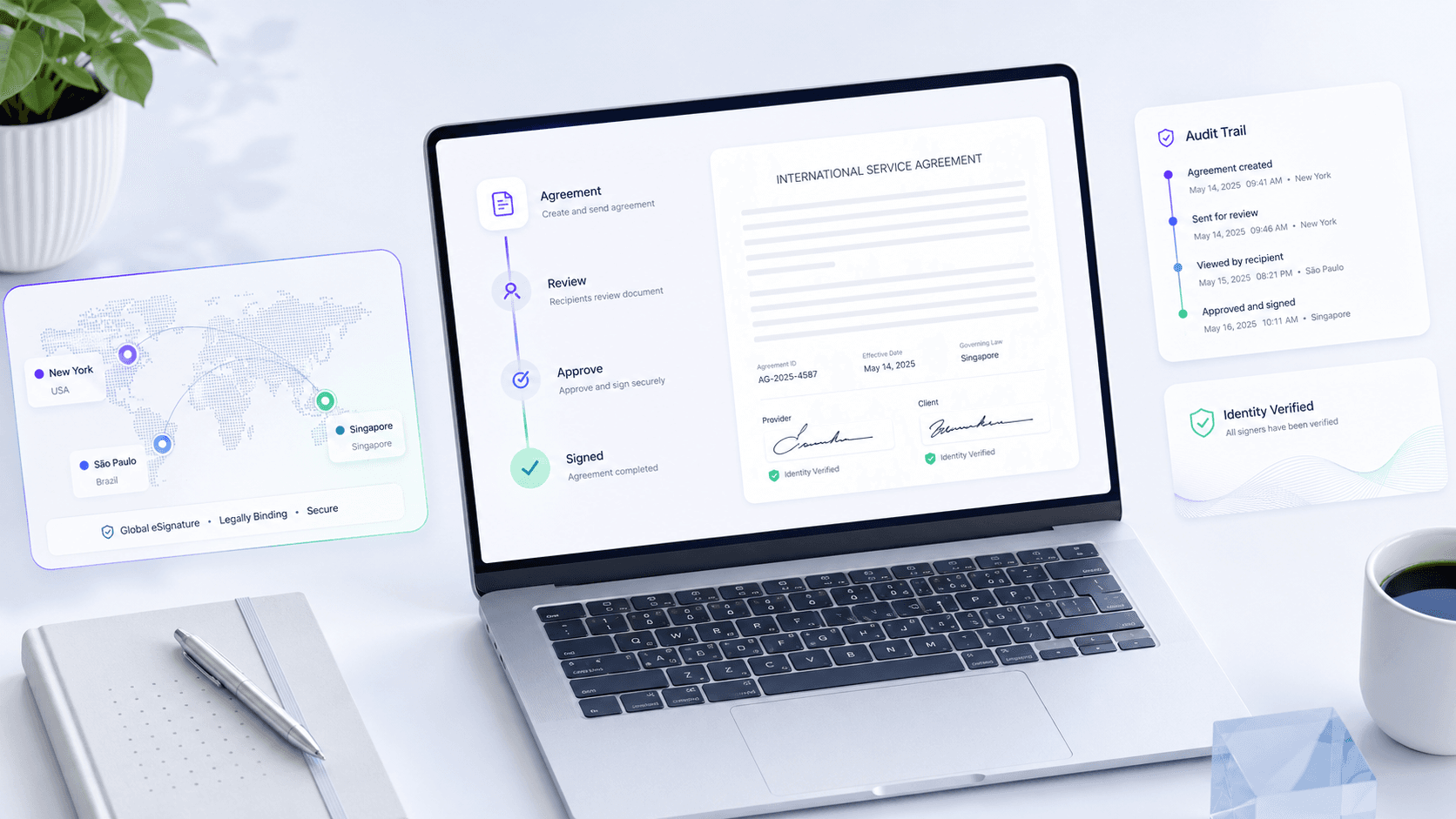
Nota Sign is worth evaluating when the bill of sale is not just a casual one-page agreement. It is a multi-market eSignature and agreement-workflow platform for APAC, Europe, and the United States, with APAC compliance expertise as a strong proof angle. For teams handling fleet sales, company vehicles, used-equipment transfers, cross-border counterparties, or recurring vehicle paperwork, Nota Sign eSignature workflows, digital signature options, and signer identity verification help the buyer review identity evidence, audit records, signed record retention, templates, routing, and API needs together.
If your vehicle sale workflow involves multiple signer regions, company-owned assets, recurring transactions, identity verification, or integration with internal systems, request a Nota Sign workflow review before selecting a signing path. Bring the vehicle document types, signer locations, expected signing volume, identity proof needs, audit record expectations, signed record retention requirements, and any DMV or receiving-party constraints.
Practical Steps Before You Send the Bill of Sale
Use this checklist before sending the document through DocuSign, Nota Sign, or another signing tool.
- Confirm the buyer and seller names match the title and identification records.
- Check whether the bill of sale is enough or whether the title, lien release, odometer disclosure, tax form, or notarized statement is also required.
- Use the DMV form for the state when one exists.
- Add VIN, year, make, model, sale price, payment terms, date of sale, and vehicle condition notes.
- Decide whether identity verification is needed for buyer, seller, or company representative.
- Keep the signed bill of sale with audit evidence, payment proof, title copy, and DMV receipt.
- If the transaction crosses states or countries, check both the signing law and the receiving agency's document rules.
The safest workflow separates two questions: whether the parties can sign the agreement electronically, and whether the receiving DMV or agency will accept that electronic record for the specific filing.
Final Recommendation
DocuSign can be a reasonable tool for signing the bill-of-sale agreement in a private car sale, especially when both parties want a fast signed PDF and a recognizable audit trail. It should not be treated as a complete DMV transfer workflow. Title signatures, odometer disclosures, secure forms, lien releases, notarization, and state filing rules still need separate review.
For a one-off low-risk sale, a simple signing path may be enough after you confirm the DMV requirements. For recurring vehicle transactions, company-owned assets, cross-border counterparties, or higher-evidence workflows, evaluate Nota Sign as a multi-market agreement workflow option that combines signing, identity evidence, audit records, signed record retention, templates, and regional review. Talk to Nota Sign sales with your signer regions, vehicle document types, signing volume, identity requirements, audit needs, retention expectations, budget constraints, and integration requirements before you commit to a platform.

