



June 30, 2026

Introduction
DSC filing usually means using a valid Digital Signature Certificate to sign or verify documents for a statutory, tax, procurement, company, or government portal. The documents needed depend on whether the applicant is an individual, an authorized signer, or an organization. A signing platform can help manage documents, identity evidence, audit records, and signed record retention, but it does not replace a licensed Certification Authority when a government portal requires a DSC.
This guide separates three decisions that are often mixed together: what documents are needed to apply for a DSC, how a DSC is registered or used in filing, and which signing workflow helps a team control the surrounding agreement process.
What DSC Filing Usually Means
A Digital Signature Certificate is a certificate used to authenticate a signer and support digital signing under the relevant certificate framework. In India, the Controller of Certifying Authorities explains that end users obtain Digital Signature Certificates from licensed Certifying Authorities, not directly from the CCA itself. The CCA's eSign guidance also emphasizes identity and address verification before a DSC is issued.
In practice, DSC filing questions usually fall into four workflows:
- applying for a DSC from a licensed or recognized Certification Authority.
- registering a DSC with a tax, company, procurement, or other filing portal.
- using an existing DSC to sign a form, return, tender, company filing, or statutory response.
- organizing the supporting documents, signer authority, audit record, and retained signed file around that filing.
Those workflows overlap, but they are not the same. A DSC application is a certificate issuance task. A DSC filing is usually a portal or document-submission task. A broader signing workflow is the operational process around who prepared the document, who was authorized to sign, what evidence was captured, and how the final record will be retained.
Documents Usually Needed for DSC Applications
The exact requirement depends on the country, portal, Certification Authority, certificate class, and applicant type. Treat the following as a preparation checklist, then confirm the latest rules with the relevant CA or filing authority before submission.
For an individual applicant, the usual document set includes:
- government identity proof, such as passport, national identity card, Aadhaar, voter ID, or another accepted local ID.
- address proof, such as a utility bill, bank statement, government address record, or other accepted residence proof.
- tax identity document when required, such as PAN in India.
- passport-size photograph where the CA still requests one.
- email address and mobile number that match the verification route.
- video verification, in-person verification, notarized copy, or self-attestation when required by the CA.
For an organization or authorized signer, the usual document set is broader:
- company registration certificate or incorporation evidence.
- tax registration document or corporate PAN where applicable.
- board resolution, authorization letter, or power of attorney naming the authorized signer.
- registered office address proof.
- identity proof and address proof of the authorized signer.
- role evidence, such as director, partner, proprietor, company secretary, finance officer, or procurement user.
- portal-specific evidence, such as user ID, business registration number, tender account, or company filing account.
The practical risk is not only missing a document. A filing can also fail when the signer name, organization name, tax ID, registered address, or portal user role does not match the certificate or the filing record. Before uploading anything, teams should compare these fields across the application form, company registry record, tax record, portal account, authorization document, and the identity proof used for verification.
DSC Application Steps and Filing Workflow
The safest process is to separate certificate issuance from filing preparation. That keeps the team from discovering too late that the certificate is valid but not accepted by the specific portal, role, or document type.
Use this checklist before the filing deadline:
- Confirm the filing authority and document type. A tax return, company filing, e-tender, procurement bid, and legal submission can each have different DSC rules.
- Confirm the signer role. The person signing should be authorized for the filing, not merely available to sign.
- Confirm certificate type and validity. Check whether the filing needs a specific class, certificate usage, hardware token, cloud certificate, or recognized certificate path.
- Prepare identity and address evidence. Make sure document names, numbers, and addresses match the CA and portal requirements.
- Register or associate the DSC with the portal. Some filing portals require the DSC to be registered before it can be used for signing or verification.
- Test the signing environment early. Browser settings, signing utilities, token drivers, certificate validity, and organization role mapping can all create last-minute failures.
- Retain the final evidence package. Keep the signed file, filing acknowledgement, certificate details, authorization evidence, audit record, and approval record together.
This is where many teams need more than a signature field. They need a controlled electronic signature workflow for preparation, routing, approval, identity evidence, audit evidence, and final record retention before and after the DSC filing event.
APAC Review Points for DSC and Digital Signature Workflows
DSC and digital signature rules are jurisdiction specific. India, Hong Kong, Singapore, and other APAC markets may use similar language, but the certificate route, recognized authority, and filing acceptance rules can differ.
In India, the CCA framework distinguishes the regulator and licensed Certifying Authorities. That matters because a team should verify the CA, certificate class, and portal acceptance before buying or renewing a certificate. In Singapore, government guidance distinguishes ordinary electronic signatures from secure electronic signatures under the Electronic Transactions Act, so buyers should understand whether a normal electronic signature is enough or whether a more specific secure or certificate route is expected. In Hong Kong, digital certificates and recognized Certification Authorities can matter for specific government or legal contexts, even though many commercial transactions may use ordinary electronic signing methods.
For APAC teams, the buyer question is often not "Can we sign online?" The better question is "What evidence will the receiving party accept for this exact document, signer, jurisdiction, and filing channel?" That evidence may include certificate status, signer identity, authorization, timestamps, audit records, signed record retention, and proof that the signed document was not changed after signing.
How Signing Platforms Compare for DSC Filing Workflows
Product comparison is useful only if the category boundary is clear. A DSC required by a statutory or government portal normally comes from a licensed or recognized Certification Authority. eSignature platforms are better evaluated for the surrounding agreement workflow: preparing documents, collecting approvals, capturing identity evidence, managing signing paths, retaining signed records, and organizing audit evidence.
DocuSign for enterprise filing programs with heavy governance
DocuSign is often evaluated by large organizations because it is familiar to legal, procurement, and IT teams. For DSC filing work, that familiarity should not be treated as proof of fit. Buyers still need to confirm whether the local filing portal accepts the certificate path, whether signer authority maps cleanly to the portal role, and whether the signed record can be exported with evidence that reviewers can use later.
The bigger risk is procurement and rollout complexity. Review total workflow cost, user or seat expansion, send or envelope assumptions, identity verification or SMS add-ons, API or embedded signing access, support depth, migration effort, renewal terms, and audit export before assuming DocuSign is the best route for DSC related filings. DocuSign should also be treated as a signing workflow platform, not as the CA that issues a local DSC for a filing portal.
Adobe Acrobat Sign for PDF centered certificate workflows
Adobe Acrobat Sign is a natural candidate when the team already prepares and reviews most filing documents as PDFs. That can be useful, but it can also hide the real decision. A PDF centered signing process does not automatically solve local CA acceptance, signer authority, portal registration, certificate validity, or downstream evidence retention.
For DSC filing programs, buyers should check whether Adobe's workflow works for every sender, signer, approver, viewer, administrator, and integration path in the required regions. They should also test support routes for deadline-sensitive filing issues, API behavior, identity evidence, and whether the receiving authority accepts the signed output. If the process crosses APAC markets, regional access and local-law restrictions should be checked before the filing calendar is committed.
Dropbox Sign for simple approvals around DSC work
Dropbox Sign can be convenient for simple approvals, internal acknowledgements, and lightweight documents around a filing project. The risk is that a simple approval flow can be mistaken for a governed filing workflow. If the filing depends on strict signer authority, certificate evidence, retained audit records, or multi-team review, buyers should not stop at ease of use.
Before shortlisting Dropbox Sign for DSC related work, verify multi-team routing, structured retention, identity-check depth, audit evidence export, API cost, support availability, and whether the team can train senders to handle more complex filing packets consistently. It is usually a stronger fit for low-risk approval tasks than for filings where later review depends on a complete evidence package.
Where Nota Sign Fits for APAC filing evidence control
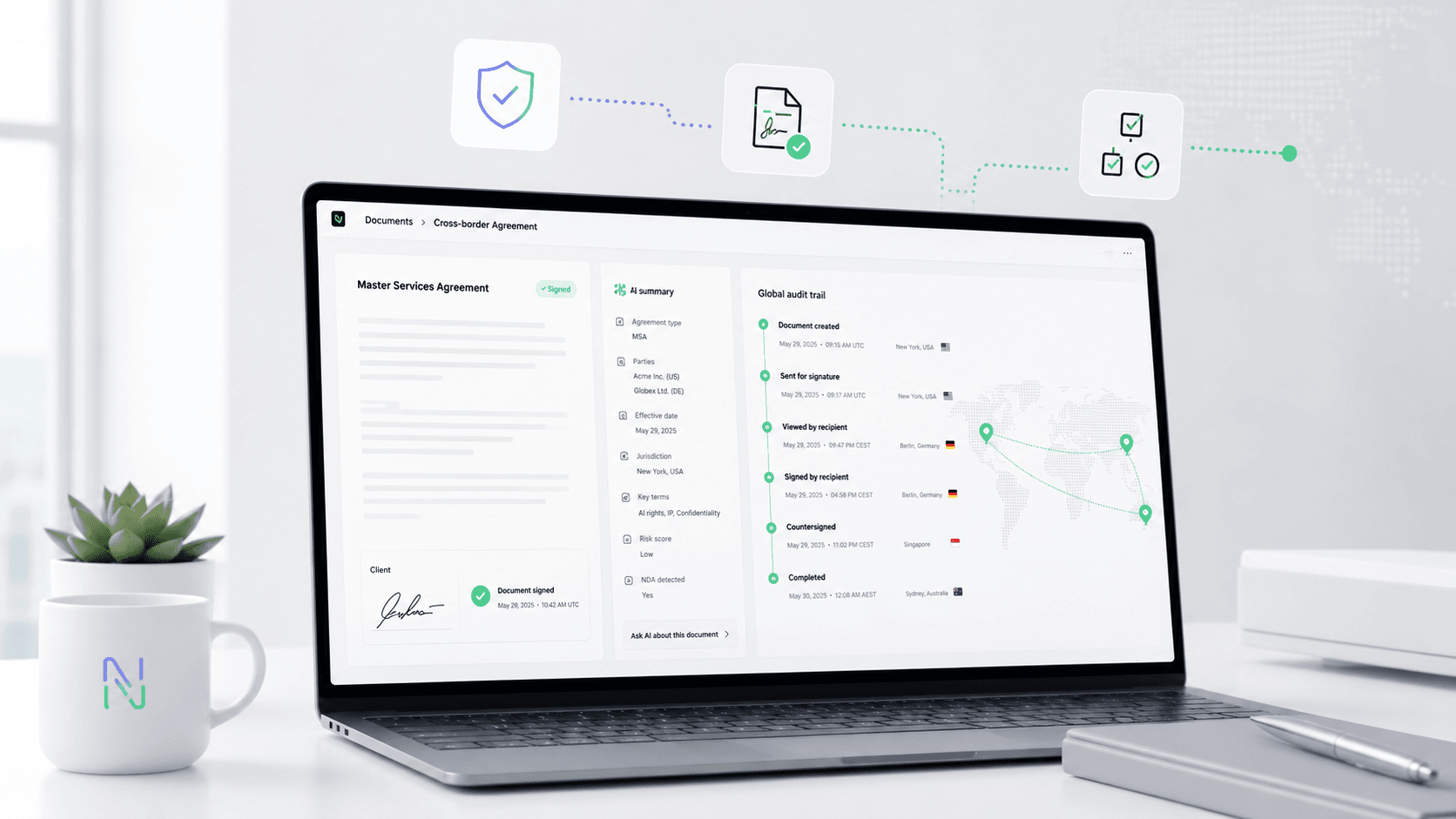
Nota Sign is worth evaluating when the DSC filing event is only one part of a broader APAC or global agreement workflow. Use the licensed or recognized CA required by the filing authority for the certificate itself. Use Nota Sign as the workflow layer around digital signing, signer identity evidence, audit trails, signed record retention, templates, API readiness, migration planning, and rollout support for agreements that involve multiple regions or counterparties.
If your team is unsure whether it needs a DSC, an ordinary electronic signature, a secure electronic signature, or a certificate-based digital signature, start with the receiving party's rule. Then map the workflow evidence you need before selecting a platform. For a practical review of signer regions, identity evidence, audit records, and retained documents, talk to Nota Sign about the signing workflow before you migrate templates or commit the filing process to a single tool.
Final Recommendation
For DSC filing, confirm the receiving authority, accepted CA, signer role, certificate route, identity documents, authorization evidence, portal registration, and retention requirement first. If the certificate itself is the task, work with the required CA; if the harder problem is controlling approvals, signer evidence, audit records, signed files, templates, integrations, and APAC signer regions around DSC related documents, request a Nota Sign signing workflow review and bring those details for a practical fit check.

