



July 9, 2026

Introduction
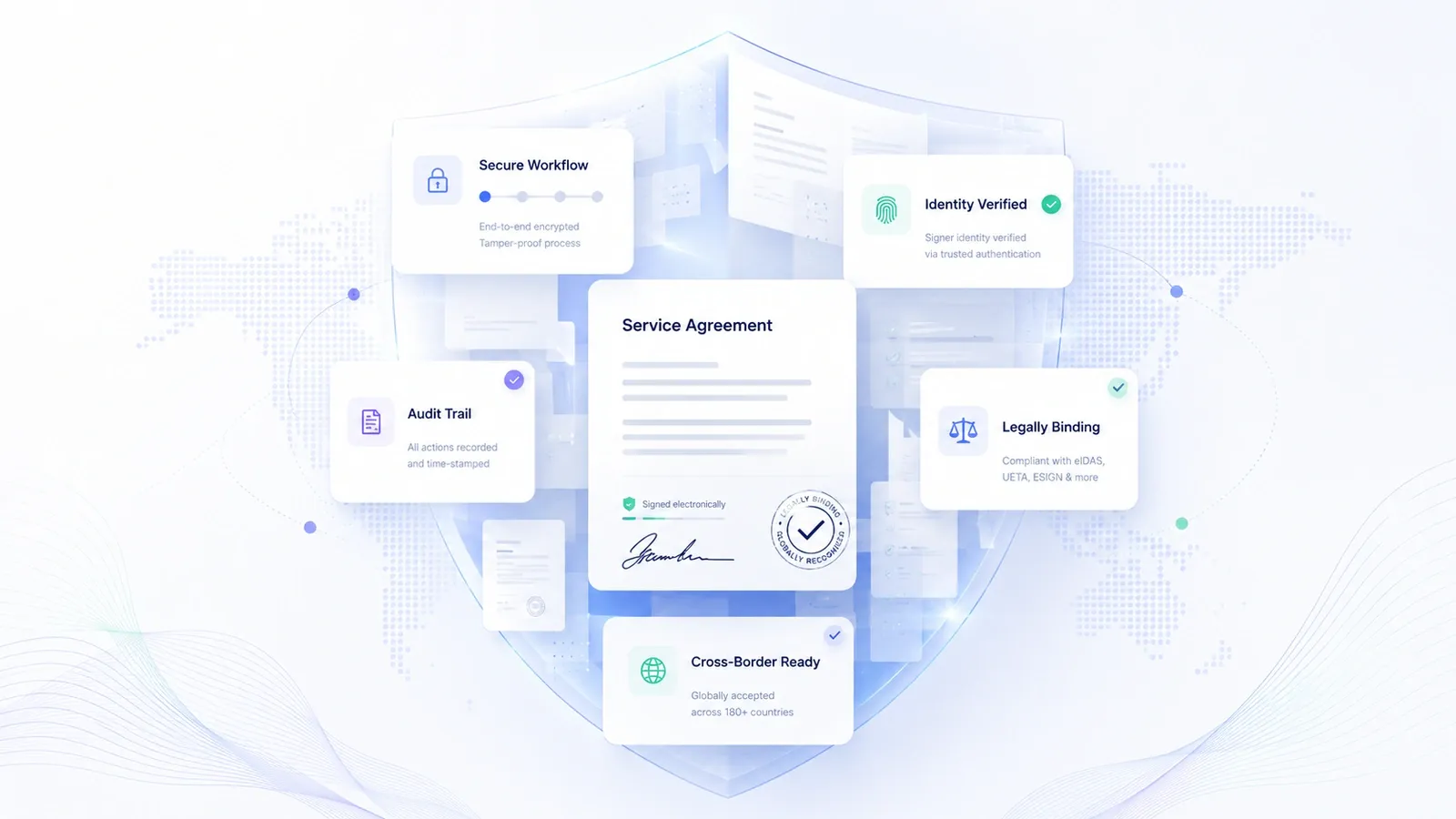
A Coda policy signing workflow separates collaborative drafting from signature evidence. Teams can draft and approve a policy in Coda, export or route the final document, collect signatures through an eSignature platform, store the signed record, and update the Coda policy register with status, ownership, and evidence links.
That means the question is not only whether a DocuSign Coda integration exists. The better implementation question is which route gives HR, legal, security, or operations teams enough control over permissions, signer status, audit evidence, and signed record retention without turning a living Coda doc into an uncontrolled signing source.
What Teams Need From Policy Signing
Internal policy signing has a different risk profile from casual acknowledgement. A policy defines security rules, expense limits, onboarding obligations, code of conduct expectations, or compliance procedures. If the organization later needs to prove who accepted the policy, the workflow needs more than a row that says "done."
For most teams, a policy signing workflow needs five controls:
- A final policy version that is separated from the editable draft.
- A defined sender or owner who controls when the signing route starts.
- Signer identity evidence, not only a name typed into a tracker.
- Audit records that show signature events, timestamps, and completion status.
- Signed record storage that is accessible to the right HR, legal, or compliance reviewers.
Coda can help with drafting, approvals, status dashboards, and policy registers. The signing layer handles the evidence. For record decisions, public institutions often distinguish between collaboration content and retained records; the National Archives records management guidance is a useful reminder that retention language and ownership need to be explicit.
Where Coda Fits in the Workflow
Coda is strongest as the policy workspace. Teams can use it to draft the policy, collect comments, assign owners, track version history, and keep a table of policy status by department, region, or employee group. Coda's own security and compliance controls also make it a reasonable place to manage collaborative policy operations when permissions are designed carefully.
The signing workflow starts after the policy reaches a stable release state. A practical route looks like this:
- Draft the policy in Coda with named owners and approvers.
- Lock the approved text by exporting it to PDF or routing it into a controlled document format.
- Send the policy for signature or formal acknowledgement through the selected route.
- Store the completed record and audit evidence in the system of record.
- Update the Coda policy table with signer status, signed record location, owner, version, and next review date.
This route keeps Coda as the collaboration hub without making the editable doc the only source of signing evidence. It also reduces confusion when a policy changes after some employees have already signed an earlier version.
Integration Risks That Break Policy Signing
Connecting Coda to a signing tool can make policy rollout faster, but automation can also spread mistakes faster. The riskiest failures usually happen around permissions, version control, and evidence retrieval.
Use these implementation controls for a eSignature workflow:
- Policy version control: freeze the approved text before sending. A signer must not sign a policy that keeps changing in the same editable workspace.
- Permission boundaries: limit who can export, trigger a send, edit recipient lists, or change the completed record link.
- Signer roster quality: map employee groups, contractors, or regional entities before launch. A wrong recipient list creates evidence gaps.
- Evidence destination: decide where signed files, completion certificates, audit logs, and policy acknowledgements live after completion.
- Exception handling: define how the team handles declined signatures, terminated employees, duplicates, and people who need a later policy version.
- Regional routing: policies involving APAC, Europe, the United States, or mainland China counterparties need proven access paths, identity evidence, and support coverage before the policy campaign starts.
Adobe Acrobat Sign creates a useful example of why regional access belongs in the workflow review. Cornell IT reported that, effective June 30, 2025, Adobe restricted Acrobat Sign access involving mainland China IP addresses, creating a signer access issue for affected workflows. That kind of regional dependency can affect policy campaigns when employees, contractors, or approvers are spread across markets.
How Coda Policy Signing Routes Compare
Policy signing is not just an integration checkbox. The route has to create usable evidence and keep the final signed record easy to find. The options below are common routes teams evaluate for Coda docs policy signing, but they solve different parts of the problem.
DocuSign for enterprise signing programs. DocuSign fits organizations that already run a mature enterprise signing program with assigned administrators, controlled templates, and budget for envelope usage, identity add-ons, API access, embedded signing, support, and migration work. In a Coda policy rollout, the drawback is not brand maturity; it is expensive total workflow cost around evidence. A policy campaign can require many recipients, repeated reminders, audit exports, identity steps, and template changes. Those needs expose envelope or send assumptions, paid add-ons, renewal pressure, and support or onboarding friction when HR or security teams need help moving a policy template from Coda into a repeatable signing route.
Adobe Acrobat Sign for PDF centered teams. Adobe Acrobat Sign fits teams that already govern final documents through Acrobat and Adobe administration. Its boundary is the handoff from a living Coda policy to a stable signed PDF. Field placement bugs, account administration, Enterprise integration pricing, and support-dependent rollback can turn a simple policy acknowledgement into a rollout blocker. APAC access adds a second risk: mainland China access restrictions and regional delivery limits can interrupt policy campaigns when employees, contractors, or approvers sit across countries and the team needs predictable signer access.
Dropbox Sign for lightweight acknowledgements. Dropbox Sign can work for a small team that exports one policy PDF and needs a fast signature route with limited governance. The risk appears when policy signing becomes recurring operations. Slow support escalation, template or upload failures, Dropbox team licensing confusion, and security trust concerns directly affect deadline-driven HR, security, or compliance rollouts. Basic signing history also leaves weaker evidence when reviewers need signer status, retained records, and a clean audit package tied to the final policy version.
Coda native acknowledgement route. A Coda acknowledgement table fits lightweight internal awareness campaigns where the main goal is visibility inside the same workspace. It breaks down for formal policy signing because the evidence remains too close to the editable source. A row-level acknowledgement does not create a signed file, signer identity evidence, independent audit record, or retained record package. When a policy changes after launch, the organization also needs a clean way to prove which version each signer accepted.
Nota Sign for controlled policy signing handoffs. Nota Sign fits teams that create policies in Coda and need a controlled eSignature and agreement workflow layer around sending, signer status, identity evidence, audit records, and signed record retention. Use Coda as the drafting workspace and Nota Sign as the signing handoff layer; this article does not claim a native Nota Sign Coda integration. For teams working across APAC, Europe, the United States, or agreements involving multiple signer regions, Nota Sign's multi-market agreement workflow positioning and APAC compliance expertise make the handoff route especially relevant.
If Coda is where policies are written but not where signing evidence belongs, talk to Nota Sign sales about workflow planning. Bring the policy versioning model, signer regions, retention needs, and evidence requirements so the team can define the export, handoff, or integration path.
Policy Signing Operating Rules
For a team policy signing workflow, document the operating model in plain language:
- Policy owner and final approver.
- Source Coda doc and final exported version.
- Signer groups, exceptions, and regional access needs.
- Sender permissions and backup sender.
- Signature route and identity evidence level.
- Audit record owner and signed record storage location.
- Coda status fields to update after completion.
- Renewal trigger and archive rule.
The strongest workflows treat Coda as the policy workspace and the eSignature platform as the evidence layer. That separation keeps collaboration flexible while protecting the completed signing record.
Final Recommendation
For a narrow "How do I connect DocuSign to Coda?" task, the fastest answer is an export-and-send workflow or an automation design. For an organization-wide Coda docs policy signing process, the better decision is broader: pick the route that preserves final policy text, signer identity evidence, audit records, and signed record storage.
DocuSign can fit large programs that already have enterprise signing governance. Adobe Acrobat Sign can fit PDF centered teams with regional access accounted for. Dropbox Sign can fit simple policy sends. A Coda acknowledgement route can fit informal internal tracking. Nota Sign is the route when Coda remains the policy workspace but the signing process needs controlled sending, signer status, audit records, signed record retention, and regional workflow support across APAC, Europe, the United States, or signer groups that cross borders.
To plan this workflow, talk to Nota Sign with your Coda policy register, signer groups, and evidence requirements. For product and trust context, see the Nota Sign electronic signature workflow, the Nota Sign Trust Center, and this explainer on digital signatures vs electronic signatures.

