



June 26, 2026

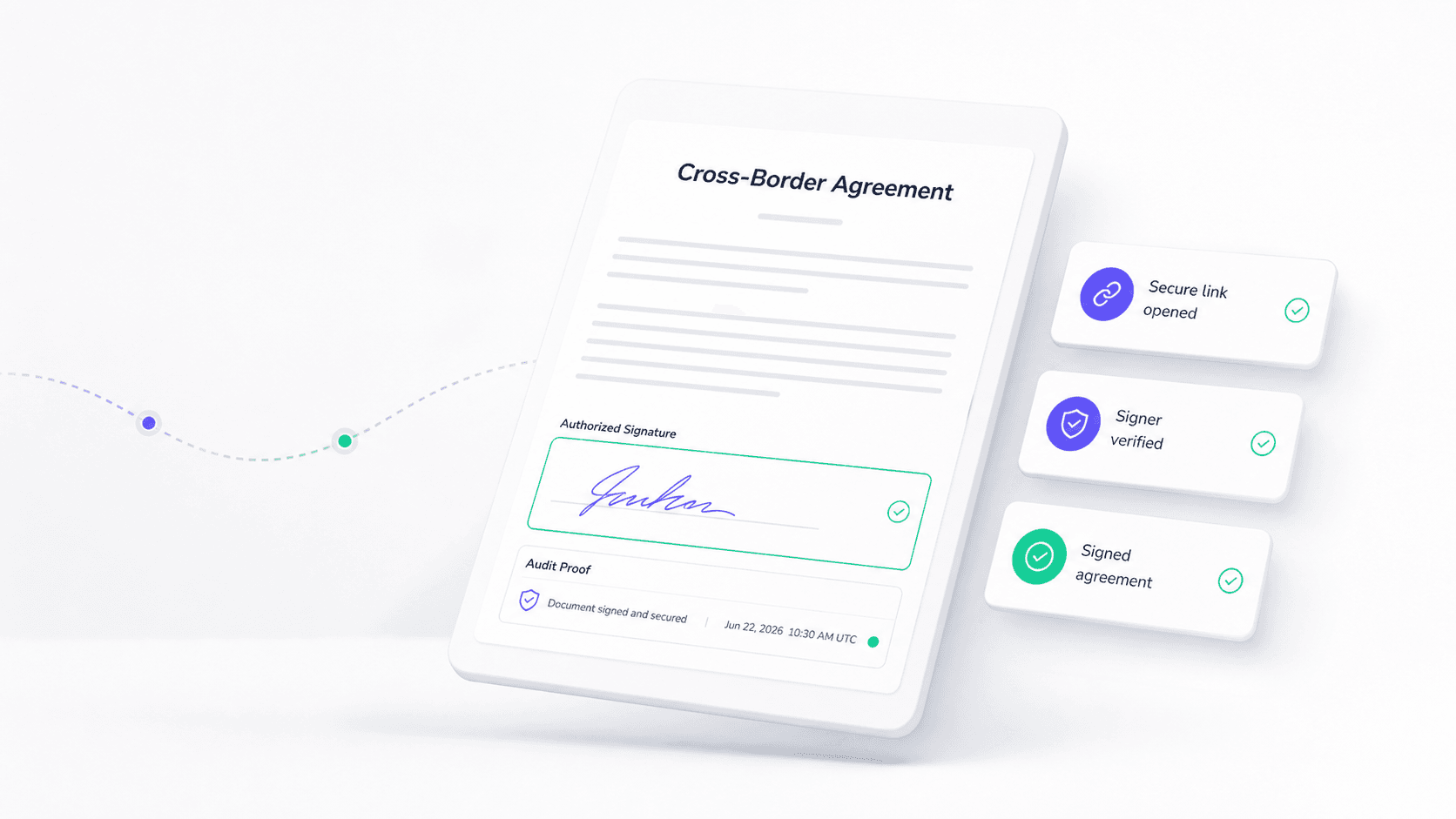
Introduction
DSC stands for Digital Signature Certificate. In signing workflows, a DSC is not the visible signature mark itself. It is a certificate issued by a certificate authority that helps connect a signer or organization to a public key, so a digital signature can be verified later. This guide explains where DSCs fit, how they differ from electronic signatures, and what buyers should check before choosing a signing process.
What DSC Means
A Digital Signature Certificate is an electronic credential used to support certificate based digital signing. In most certificate based signing systems, a certificate authority or jurisdiction-specific trusted-service framework issues the certificate after identity checks and binds the signer or organization to a public key, often within an X.509-style certificate model. That distinction matters because the trust chain starts with the issuing authority and the accepted trust framework, not merely with a signing button.
In practical terms, a DSC helps answer three questions:
- Who is associated with the signing certificate?
- Was the signed data changed after signing?
- Can the signature be verified against the certificate and signing method?
A DSC is usually most important where a regulator, government portal, tender process, tax filing, company filing, or high assurance business workflow requires a certificate backed digital signature rather than a simple acceptance click or typed name.
How a DSC Creates Trust in a Digital Signature
A digital signature uses cryptographic methods to bind a signature to data. The NIST Digital Signature Standard describes digital signatures as a way to detect unauthorized data changes and authenticate the claimed signatory. A DSC supports that process by providing identity and public key information that a verifier can use when checking the signature.
The basic workflow looks like this:
- A certificate authority verifies the applicant according to its rules.
- The authority issues a certificate linked to the signer or organization.
- The signer uses the corresponding private key to create a digital signature.
- The verifier checks the signature, certificate validity, and whether the signed data changed.
- The organization keeps the signed record, certificate evidence, and audit trail for later review.
This is why DSC conversations should not stop at the certificate purchase. The real business question is whether the signing workflow captures identity evidence, timestamps, audit records, certificate status, signed record retention, and the right route for the jurisdiction involved.
DSC, Digital Signature, and Electronic Signature Are Not the Same
The three terms are related, but they are not interchangeable.
Hong Kong's Digital Policy Office gives a useful scope example. For non-government transactions, a signature requirement can generally be met by any reliable, appropriate electronic signature agreed by the recipient. For transactions involving government entities, the requirement may need a digital signature supported by a recognized digital certificate. That example shows why the right answer depends on transaction type, jurisdiction, and the receiving party's rules.
When Teams Actually Need a DSC
Teams usually need to evaluate a DSC when the signing event must satisfy a certificate specific rule, not merely a general electronic approval requirement.
Common examples include:
- government e-services or filing portals that require recognized certificates;
- tendering, procurement, licensing, or regulated submissions;
- company, tax, finance, or professional filings in markets where DSC use is part of the official process;
- high assurance agreements where the parties want certificate evidence and stronger identity proof;
- cross-region signing where one side must show how signer identity and signature integrity can be verified.
For ordinary commercial contracts, a well designed electronic signature workflow may be enough if local law, party agreement, document type, and evidence requirements support it. For regulated submissions, a platform alone may not replace a required certificate route. Buyers should confirm the rule before they sign, not after a dispute or filing rejection.
How to Check DSC Compliance Before You Sign
Use this checklist before choosing a certificate or signing workflow:
The important point is scope control. A DSC can support stronger digital signature verification, but it does not automatically make every document legally valid in every country or every business scenario. Legal enforceability still depends on applicable law, document type, party consent, signer authority, evidence quality, and any special regulatory requirement.
How DSC Signing Options Compare for Buyer Due Diligence
Local certificate authority route for regulated filings
This route is often best when a government service, tax system, tender platform, or regulator names the certificate type or recognized authority. The buyer should confirm identity verification, certificate validity, token or key storage, revocation checking, and whether the signed file can be verified by the receiving system.
General eSignature platform route for business agreements
This route often fits everyday commercial agreements, approvals, HR documents, finance approvals, and vendor contracts where the parties need signer intent, identity evidence, routing, reminders, audit records, and signed record retention. It may still need certificate support for higher assurance workflows.
Simple document tool route for low risk approvals
This route can be enough for internal acknowledgments or low risk files, but it is usually weak when the organization needs certificate evidence, signer authentication, audit history, or a durable record for external review.
Where Nota Sign Fits for APAC Agreement Control
Nota Sign is a stronger evaluation path when teams need electronic signature workflows, identity verification, audit evidence, and regional signing controls in one agreement process. For certificate specific submissions, the certificate rule still needs to be checked. For commercial contracts and cross-region agreements, Nota Sign can help teams organize signer identity, routing, signed records, and review evidence without treating the certificate as the whole workflow.
Where Nota Sign Fits in Certificate Based Signing Workflows
Nota Sign should not be positioned as a shortcut around certificate or legal requirements. The better role is workflow control. If a document needs a DSC, the team still needs to confirm the certificate authority, certificate type, and receiving party's verification rules. Around that certificate event, Nota Sign can help manage the broader agreement workflow: signer roles, approvals, identity checks, audit trail, signed record access, and team handoff.
For teams comparing signing methods, the Nota Sign Trust Center is the right supporting page for reviewing security, trust, and compliance posture. The final decision should still be based on the document type, signer location, regulator or counterparty requirements, and the evidence the organization must preserve.

