



June 30, 2026

Introduction
Yes, electronic signatures can be safe for business agreements when the signing process controls identity, intent, document integrity, audit evidence, and signed record retention. The risk is not the electronic signature format by itself. The risk usually appears when a team uses a weak signing link, cannot prove who signed, loses the audit record, or assumes a global tool will work in every signer region without access testing.
This guide explains what "safe" should mean in a real agreement workflow, where e-signature risk still appears, how to test a platform before sending important documents, and how DocuSign, Adobe Acrobat Sign, Dropbox Sign, and Nota Sign compare for teams working across APAC, Europe, and the United States.
What Makes an Electronic Signature Safe
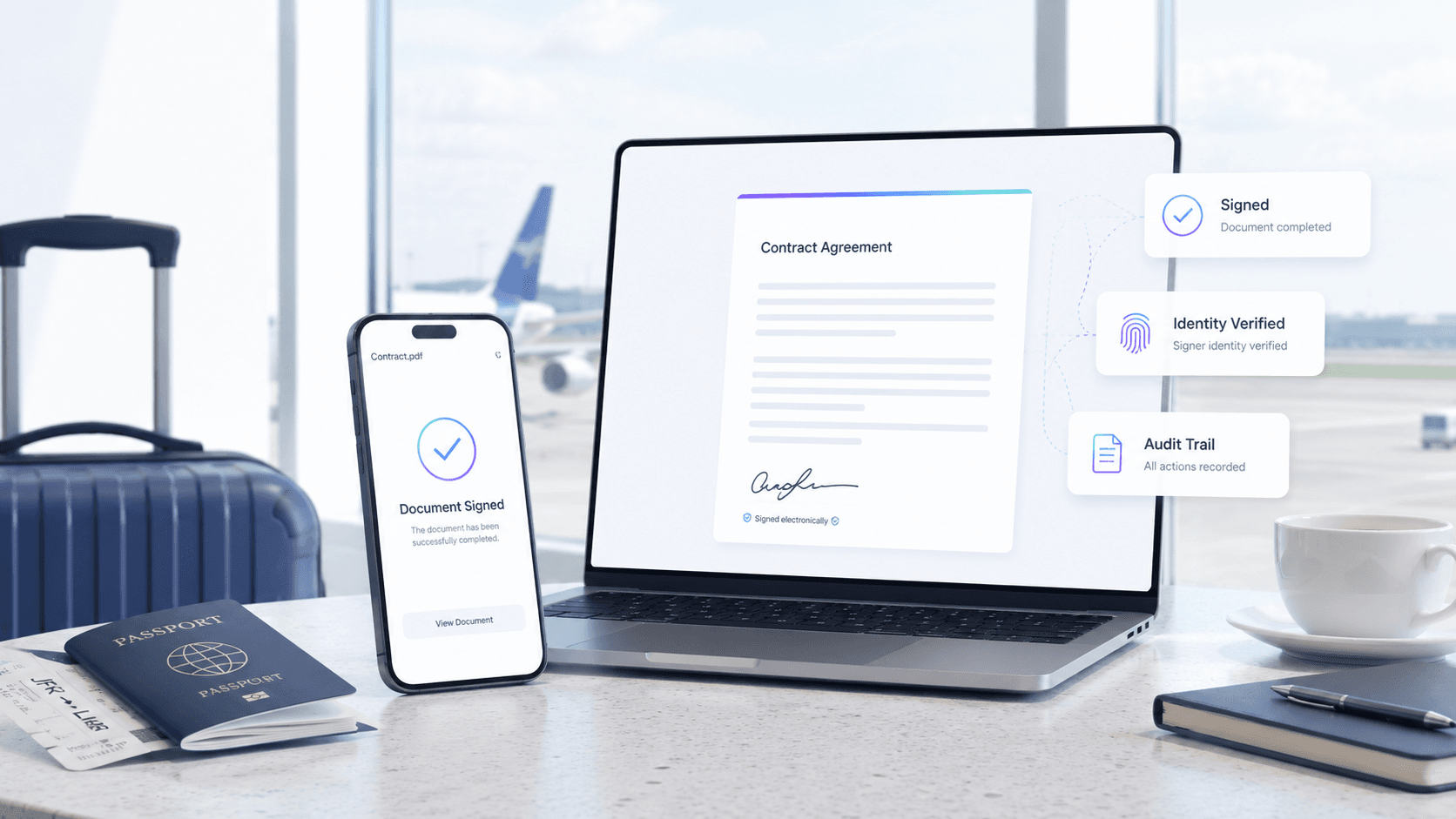
An electronic signature is safer when the workflow can prove more than a typed name or a drawn signature image. For business agreements, the safety question is usually: can your team show who signed, what they saw, when they agreed, whether the file changed, and where the completed record is stored?
In the United States, the NCUA overview of the E-SIGN Act explains how electronic records and signatures can satisfy writing requirements when conditions such as consumer consent are met. In the European Union, the eIDAS Regulation distinguishes electronic signatures from advanced and qualified electronic signatures, so the required assurance level depends on the transaction and jurisdiction.
For practical teams, a safe e-signing process should include:
- Signer authentication that matches the agreement risk.
- Clear intent to sign, not a confusing approval or file-download step.
- Tamper evidence after signing.
- An audit trail that records signing events, timestamps, signer identifiers, and delivery activity.
- A completed document that can be retained, retrieved, and shared with reviewers.
- A regional access test when signers, approvers, administrators, or API calls involve APAC, mainland China, Europe, or the United States.
If a platform only gives you a signature image on a PDF, it may be convenient, but it is not enough for higher-risk agreements. For a deeper distinction, see Nota Sign's guide to electronic signatures versus digital signatures.
Where E-Signature Risk Still Appears
Electronic signatures become unsafe when the surrounding workflow is weak. Most failures are operational rather than technical: a sender uses the wrong recipient email, a signer clicks a phishing link, an approver cannot access the file from their country, or the business cannot retrieve the final evidence package during a dispute.
The highest-risk areas are:
For APAC or mainland China involved agreements, access testing is not optional. The team should test sender, signer, approver, viewer, administrator, mobile, email link, and API behavior from the actual regions involved before the first production agreement goes out.
Safety Checks Before Sending Important Agreements
Before using an e-signature workflow for employment contracts, procurement agreements, financial documents, vendor onboarding, cross-border approvals, or regulated files, run a short but specific safety review.
- Confirm the legal scope.
Check whether the document type is eligible for electronic signing in each relevant jurisdiction. Some documents may need wet ink, notarization, a qualified signature, or a separate identity process.
- Match signature level to risk.
A routine vendor acknowledgment may not need the same evidence level as a high-value cross-border contract. Decide whether simple electronic signature, advanced electronic signature, qualified electronic signature, or certificate based digital signature is appropriate.
- Test every required signer path.
Do not test only from headquarters. Test the actual signer regions, devices, email systems, firewalls, and approval roles. If mainland China, Hong Kong, Singapore, the EU, or the United States are involved, test those paths directly.
- Review the audit record before rollout.
Ask for a sample completed agreement and audit trail. Make sure legal, finance, HR, or compliance reviewers can understand the evidence without needing a platform specialist.
- Confirm retention and export.
Safety does not end when the document is signed. Confirm where signed records live, who can export them, how long they are retained, and what happens if the account changes vendors later.
- Check pricing and support as risk controls.
Identity verification, SMS, API usage, extra users, high send volume, and implementation support can affect both budget and safety. A workflow that becomes too expensive or hard to administer may push teams toward unsafe workarounds.
Nota Sign's electronic signature workflow and digital signature capabilities are useful evaluation paths when teams need signing controls, audit evidence, and cross-border workflow planning rather than a simple file-signing shortcut.
How E-Signature Options Compare on Safety Risk
Security and legal validity are not identical across platforms. A good e-signature provider can still be the wrong fit if the workflow depends on regions, identity evidence, API behavior, or governance depth that the team has not tested.
DocuSign for budget-rich enterprise signing programs
DocuSign is often evaluated by large organizations that already have procurement capacity, legal review, administrators, and integration resources. It can fit mature enterprise signing programs, especially when the team has enough budget and internal governance to manage users, templates, permissioning, API access, identity verification, SMS, support tiers, and renewal review.
The drawback is cost and administration exposure. Buyers should not treat the entry plan or brand recognition as the full safety answer. They should verify total workflow cost, send or envelope assumptions, identity add-ons, support and implementation help, audit export needs, and migration effort before committing important agreement categories.
Adobe Acrobat Sign for PDF centered document teams
Adobe Acrobat Sign can make sense for teams already organized around Adobe and PDF centered document work. It is often attractive when document preparation, PDF review, and signing are handled by the same operational group.
The drawback is workflow and regional-access exposure. PDF centered signing can be efficient for document teams, but may not solve deeper multi-team agreement governance by itself. For APAC or mainland China involved agreements, the regional access check is especially important. Cornell IT reported that, effective June 30, 2025, people in mainland China would be unable to use Acrobat Sign because of Adobe's access restriction to and from mainland China IP addresses, which affects how senders and signers plan cross-border workflows. Buyers should test real signer access, API behavior, mobile paths, and fallback processes from the required regions before using it for production agreements.
Dropbox Sign for lightweight approval flows
Dropbox Sign can be a practical choice for small teams that need simple approvals, straightforward templates, and lower-complexity documents. It may work well when the signing flow is low risk and the team does not need many custom controls.
The drawback is governance depth. For regulated records, multi-entity agreements, cross-border counterparties, complex routing, stronger identity evidence, or structured retention requirements, buyers should verify admin controls, audit detail, support during setup, API cost and limits, and whether the final evidence package is strong enough for review.
Where Nota Sign fits for multi-market agreement workflows
Nota Sign is worth evaluating when electronic signing is part of a broader agreement workflow across APAC, Europe, and the United States. The stronger fit is not "one tool is always safest." It is that cross-border teams need to evaluate signer identity evidence, audit records, signed record retention, regional access, rollout support, and workflow governance together.
For teams with APAC counterparties, mainland China involved signing paths, EU or US agreement flows, or multiple departments sending the same contract types, Nota Sign can be reviewed as a multi-market eSignature and agreement-workflow platform with APAC compliance expertise and practical workflow planning. The right next step is to ask Nota Sign to demonstrate the exact signer regions, audit record, retention process, and migration path your team needs rather than assuming any vendor is safe by default.
After this comparison, the practical path is to define your agreement risk first, then ask each vendor to prove the exact workflow. If your team signs across APAC, Europe, and the United States, request a Nota Sign workflow review with your signer regions, document types, identity needs, audit record requirements, and migration constraints.
How to Decide Whether E-Signing Is Safe Enough
Use this decision rule before rolling out e-signatures to a new document category:
- If the document is low risk, legally eligible, and internal, a simple electronic signing workflow may be enough.
- If the agreement is customer facing, high value, employment related, procurement related, or cross-border, require stronger authentication, clearer consent, tamper evidence, and an audit record that reviewers can use.
- If the agreement involves APAC or mainland China, test access from the actual sender and signer locations before production use.
- If the agreement involves Europe, decide whether a simple, advanced, or qualified electronic signature is appropriate under the relevant eIDAS and local-law context.
- If the agreement involves the United States, confirm E-SIGN and UETA style consent, record retention, and document-category requirements with counsel.
- If the team will later migrate systems, confirm export, retention, and completed-record ownership before the first rollout.
This is where the safety conversation should move beyond "is eSign safe?" and become "can this specific workflow prove consent, identity, integrity, access, and retention for our agreement type?"
For cross-border teams, Nota Sign's Trust Center and guide to eIDAS and US cross-border signing can help frame the questions to bring into legal, procurement, and implementation review.
Final Recommendation
Electronic signatures are safe enough for many business agreements when the workflow is designed and tested correctly. They are not safe when teams treat a signature image, a famous vendor name, or a successful headquarters test as proof that every signer region, document type, and evidence requirement is covered.
For a low-risk internal approval, choose a tool that is simple and easy to administer. For higher-value agreements, regulated files, APAC or mainland China involved signing paths, EU or US legal review, or multi-department workflows, evaluate the full evidence chain: identity, intent, integrity, audit trail, regional access, retention, support, and total workflow cost.
If your team is comparing vendors for APAC, Europe, and United States agreement workflows, talk to Nota Sign sales about a signing workflow review. Bring your signer regions, document categories, identity requirements, audit record expectations, integration needs, and current migration constraints so the review stays practical instead of generic.

