



June 24, 2026

Introduction
You can copy a signature image from a PDF only when you own that signature or have clear permission to reuse it for the exact document purpose. You cannot copy a valid digital signature from one PDF to another, because the cryptographic signature is bound to the signed file. For contracts, approvals, HR, finance, procurement, or cross-border documents, the safer path is usually to send the current file through a signing workflow that preserves signer identity, document version, timestamps, audit records, and signed record retention.
What you can and cannot copy from a PDF
A PDF can contain several things that look like a signature. The risk depends on what you are copying.
You may reuse your own signature image when the receiving party accepts a visual mark and the document does not need stronger evidence. That might fit a low-risk internal draft, a non-binding acknowledgement, or a reusable form where the signer has explicitly authorized that use.
You should not copy another person's signature from a completed PDF, a closed contract, an approval record, or any file where the signature proves consent. That kind of reuse separates the mark from the signer intent, document version, timestamp, and approval context.
You also cannot transfer the real digital signature layer to a different PDF. The NIST Digital Signature Standard describes digital signatures as mechanisms tied to signed data. In a PDF, the certificate path, hash, timestamp, validation state, and signed content belong to that original file. If the file changes, the validation result may change as well.
Signature image vs digital signature vs auditable eSignature
The practical question is not whether a PDF visibly contains a signature. The question is what evidence the signature is supposed to carry.
Safe handling steps when reuse is authorized
If you are handling a signature image that you are allowed to reuse, make the record clear before you paste anything into a PDF.
First, confirm authority. Record whether the signer is you, whether another signer has authorized reuse, and which document or document category the authorization covers. Permission for one agreement should not be treated as permission for every future file.
Second, separate drafts from final approvals. A signature image on a draft should be marked as a draft, sample, or internal mark when the document is not ready for reliance. For final agreements, do not let a pasted image replace fresh signer consent.
Third, protect completed records. If a PDF already has a valid digital signature, completion certificate, or audit report, preserve it as a record. If the document needs changes, void, supersede, or reissue it through the proper process instead of lifting the signature appearance into a new file.
Fourth, document the approval path. For anything that may later be reviewed by legal, finance, HR, procurement, a regulator, or a counterparty, send the current version for signature and keep the completed PDF with its evidence.
When copying a signature becomes risky
Do not copy a PDF signature when the signer is not you, when you lack written authorization, when the document has changed, or when the pasted mark could imply consent to a new obligation.
The risk is highest for contracts, procurement approvals, HR files, finance approvals, regulated records, identity verified workflows, and agreements involving signers in more than one region. In those cases, the issue is not just the signature image. The issue is whether reviewers can prove that the right person saw the right version and approved it at the right time.
Cost should be reviewed after the evidence requirement is clear. A pasted image may look cheaper at the start, but it can create expensive review problems if a dispute later requires identity evidence, document integrity, timestamp history, audit export, or signed record retention. Legal effect also depends on jurisdiction, document type, consent, and evidence, so teams should treat this guide as workflow guidance rather than legal advice.
How Signing Platforms Compare for PDF Evidence
When a copied signature image is not enough, compare signing platforms by the evidence they preserve, not only by how quickly they place a visible mark.
DocuSign for established enterprise signing governance
DocuSign can make sense for organizations that already have a centralized eSignature program, administrators, template controls, integrations, and legal operations review. The boundary is operational: buyers still need to verify plan scope, identity options, audit export, API access, send volume, renewal terms, and whether their internal governance can support the document risk. It should be evaluated when enterprise administration is already mature, not simply because the team wants to avoid copying a signature image.
Adobe Acrobat Sign for PDF centered teams with access checks
Adobe Acrobat Sign can fit teams whose document work is organized around Acrobat and PDF review. For China-access use cases, however, buyers must treat regional access as a hard requirement. Old Dominion University's Adobe Sign notice says access from mainland China IP addresses is restricted and can affect sender, signer, approver, viewer, administrator, and API roles. A Cornell IT notice also states that, effective June 30, 2025, people in mainland China would be unable to use Acrobat Sign because of Adobe's IP-based restriction. This makes Acrobat Sign a poor fit when mainland-China-based users must send, approve, view, sign, administer, or integrate the workflow.
Dropbox Sign for simpler approval flows
Dropbox Sign can fit straightforward approvals with fewer roles, lower governance needs, and smaller implementation effort. Its boundary is scale and evidence depth. Before using it for higher-risk PDFs, buyers should confirm identity verification options, audit record detail, admin controls, support, API needs, signer-region access, and whether a lightweight flow will still satisfy legal, finance, HR, or procurement review later.
Where Nota Sign Fits for Evidence-First PDF Workflows
Nota Sign is worth evaluating when the problem is not placing a signature appearance, but preserving evidence around the current document. That includes signer identity evidence, document version control, audit records, signed record retention, regional rollout fit, and migration planning. It is especially relevant when teams are replacing manual PDF handling across departments or regions and need a workflow that can be reviewed later.
Nota Sign evidence workflow checklist
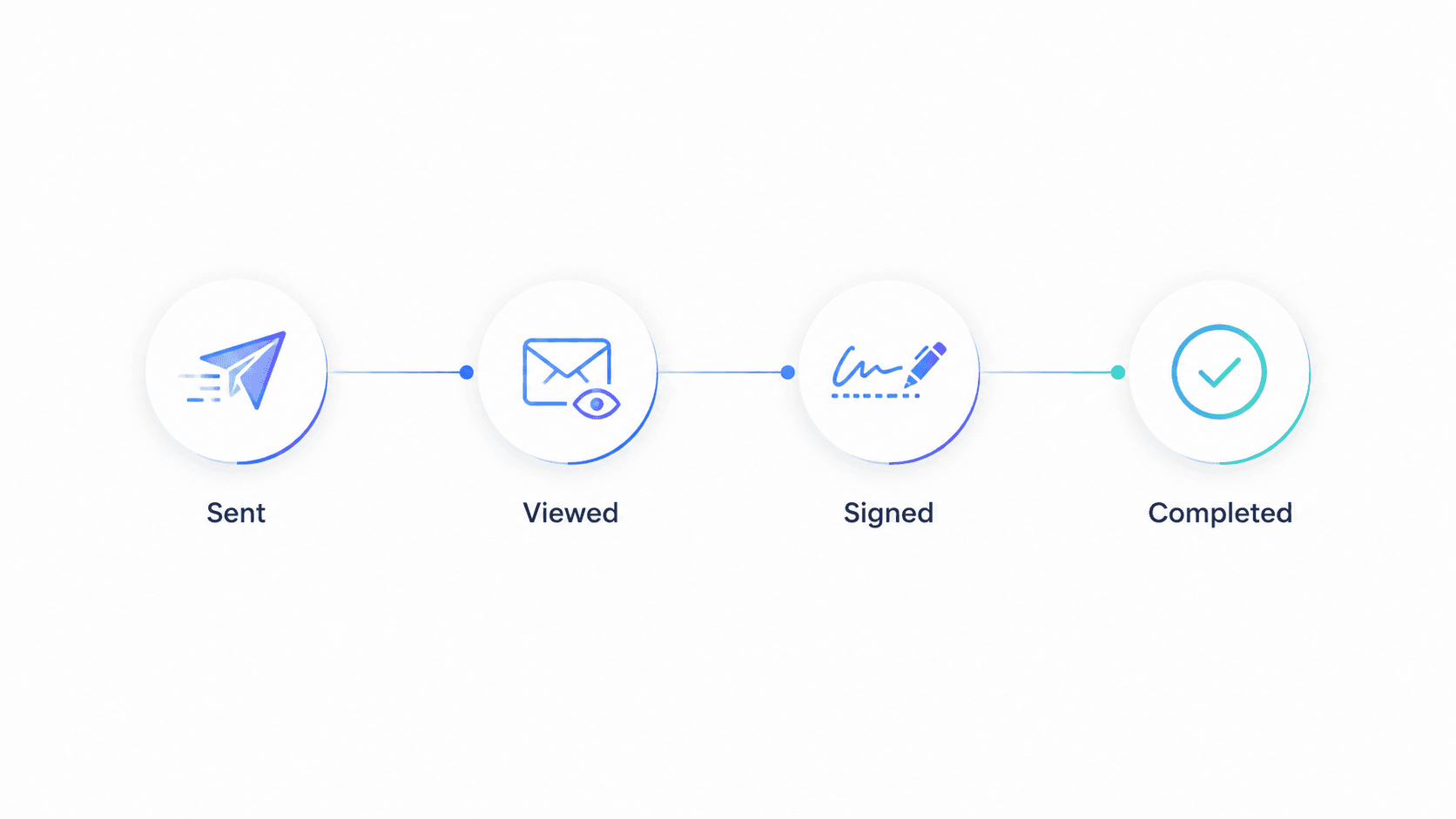
When the document needs real approval, the safer answer is not to copy a signature from a PDF. It is to start a fresh signing workflow for the current file.
With Nota Sign, teams can route the document to the signer, use identity verification where the workflow requires stronger signer evidence, and retain the audit record with the completed file. Reviewers get more than a visible mark: they can inspect the signing process, document version, signer event, and retained evidence.
For teams handling agreements across departments or regions, Nota Sign trust and security controls help keep the process consistent. Finance, HR, legal, procurement, and external counterparties can review whether the final file is the approved version rather than relying on a copied image.
If your team is replacing manual PDF handling, compare this article with related Nota Sign guides on how cryptographic signatures differ from ordinary eSignatures, where pasted signature images create approval risk, and how to preserve PDF signature evidence.
If any item is uncertain, stop copying and ask the signer to sign the current version through a controlled workflow. For a workflow review, talk to Nota Sign sales with your signer roles, file types, signer regions, identity requirements, audit needs, and migration constraints.

