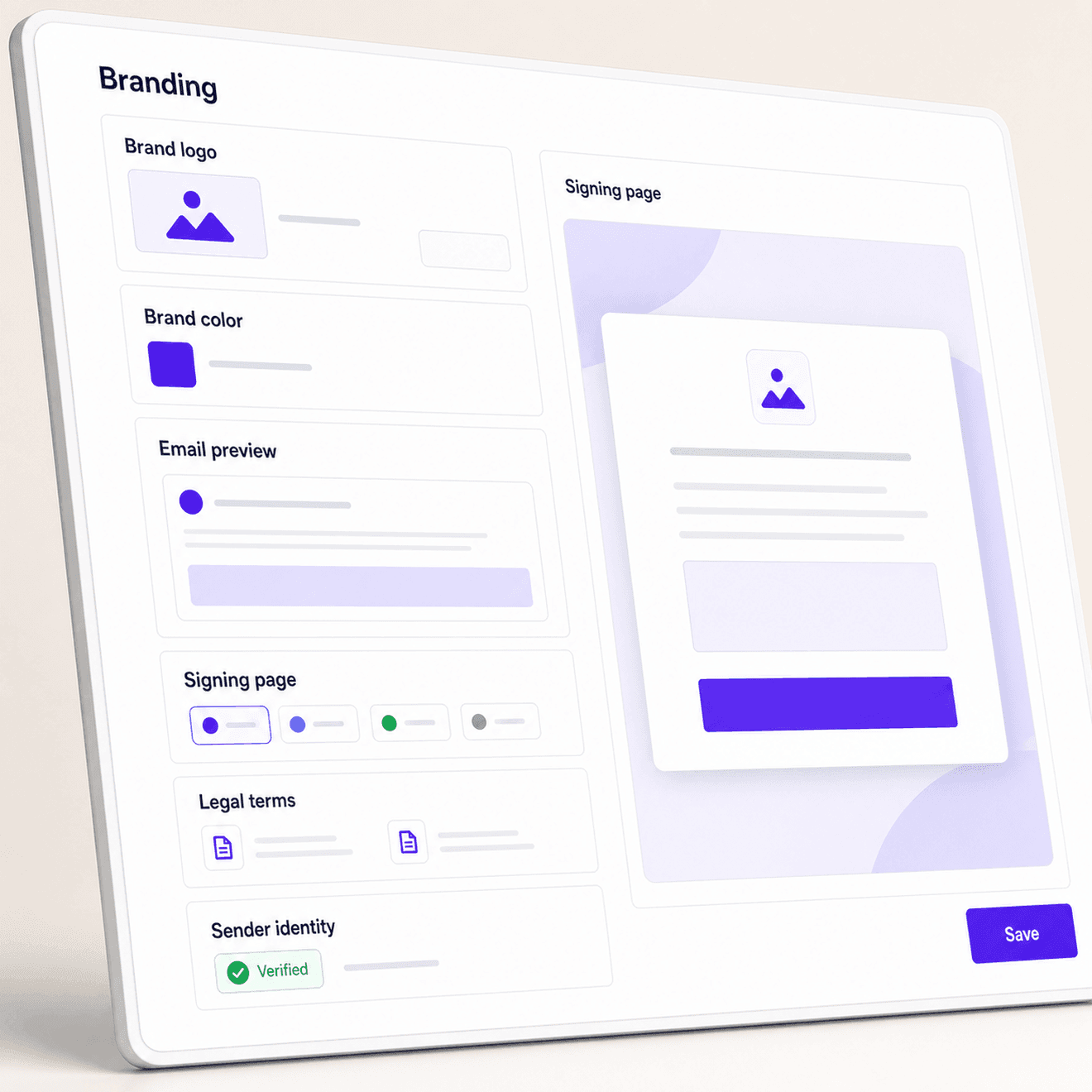
Build trust before recipients sign
Make every request recognizable, professional, and easy to act on.
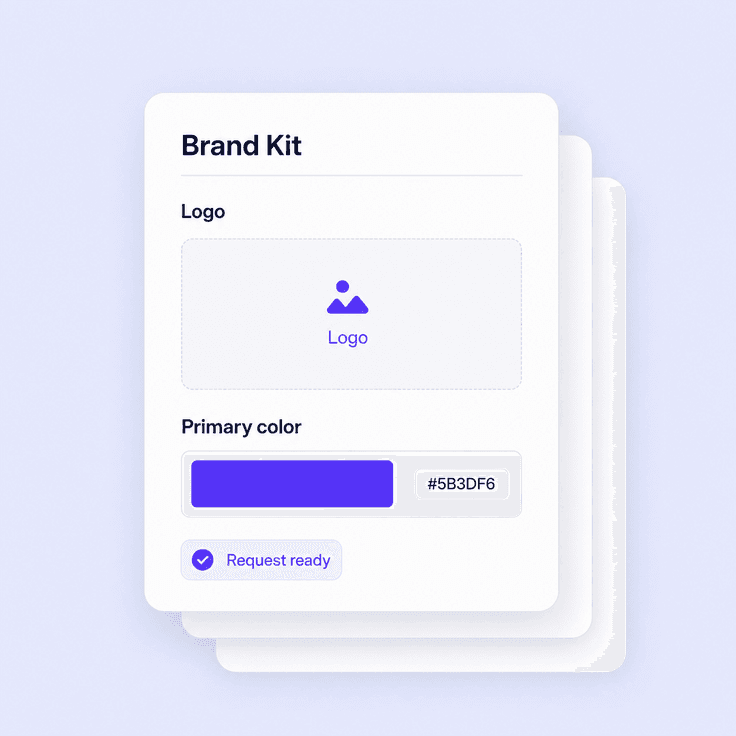
Show your brand clearly
Add your logo and visual identity so recipients know who sent the agreement.
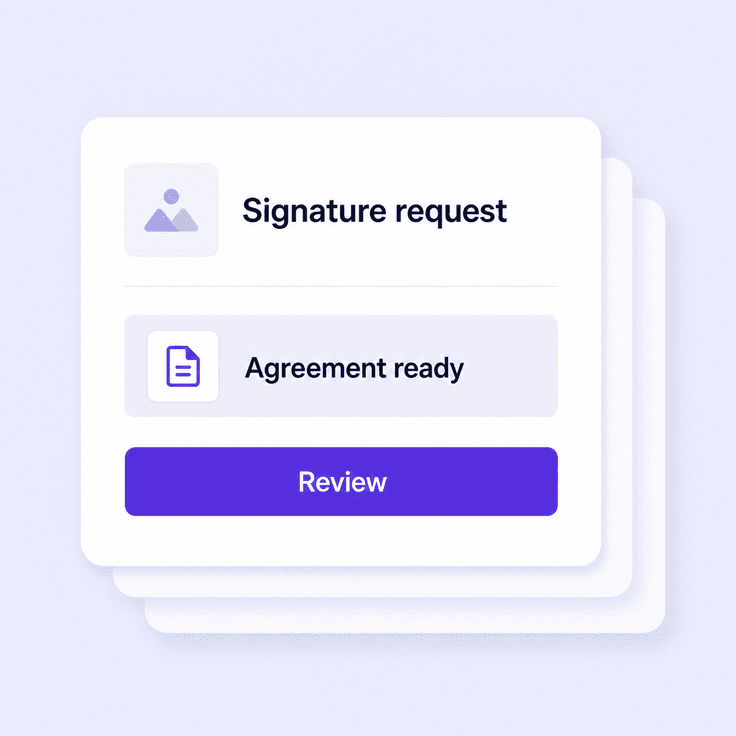
Keep emails consistent
Carry brand identity into invitations, reminders, and completed-document messages.
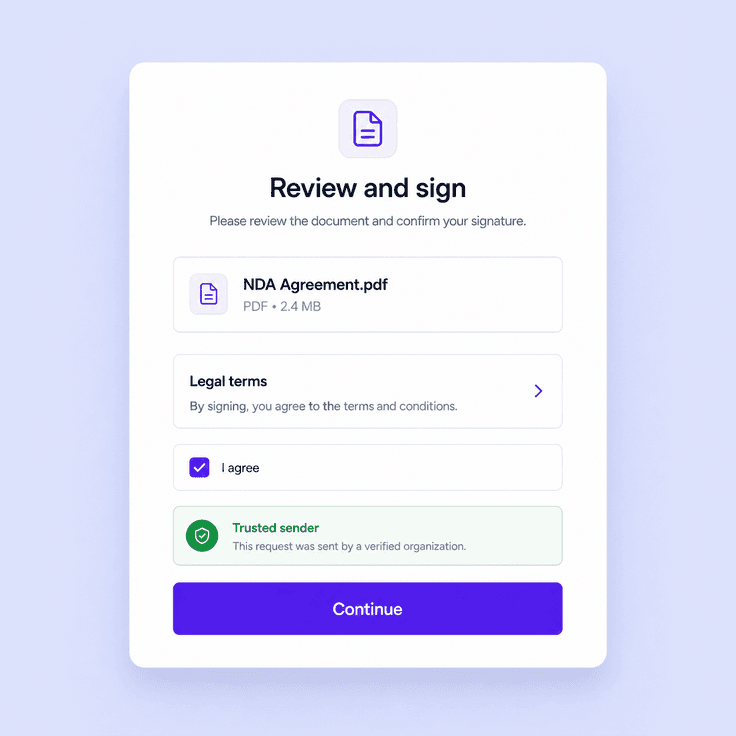
Reduce signer hesitation
Give recipients a familiar, polished page with clear legal terms before they sign.
Show your brand clearly
Add your logo and visual identity so recipients know who sent the agreement.
Keep emails consistent
Carry brand identity into invitations, reminders, and completed-document messages.
Reduce signer hesitation
Give recipients a familiar, polished page with clear legal terms before they sign.
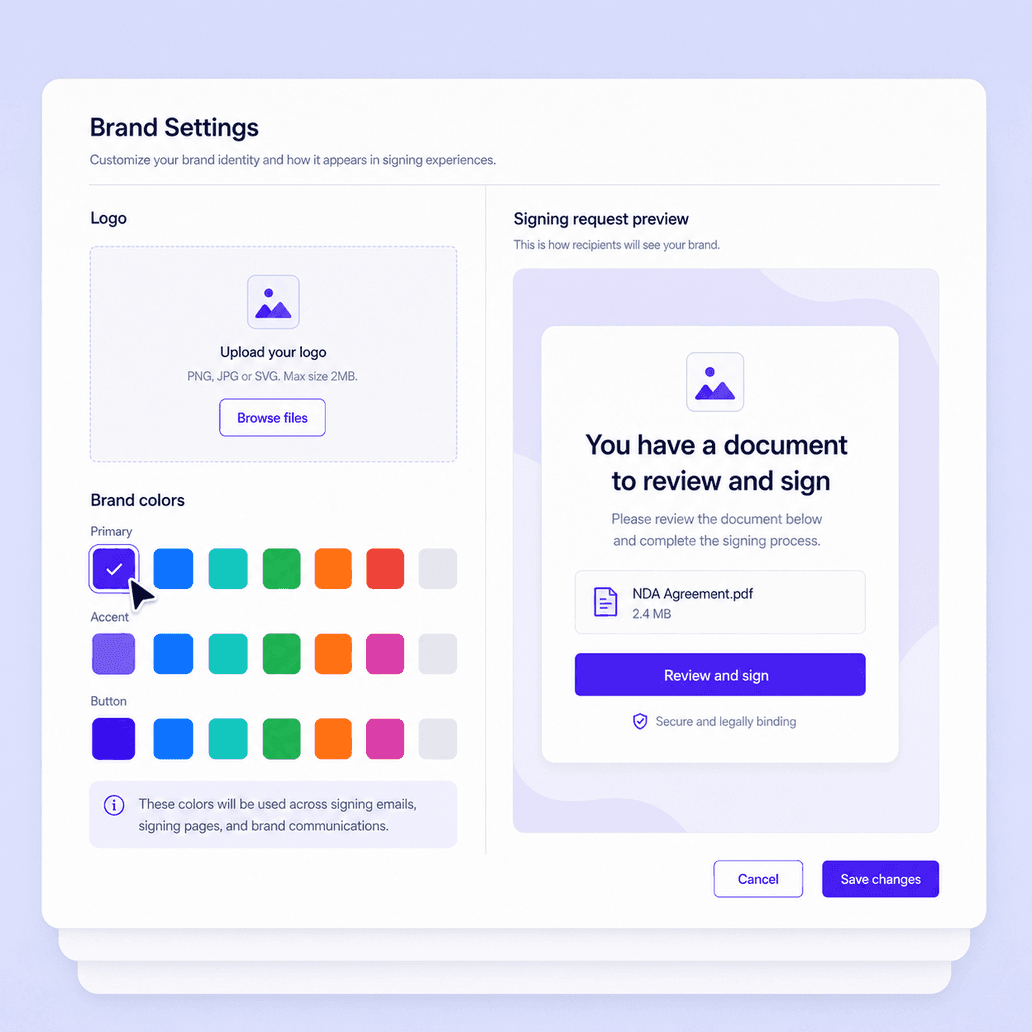
Start with your logo and brand colors
Upload your company logo and apply brand colors so signature requests look familiar from the start. Branded visuals help recipients connect the signing experience to the organization they already know.
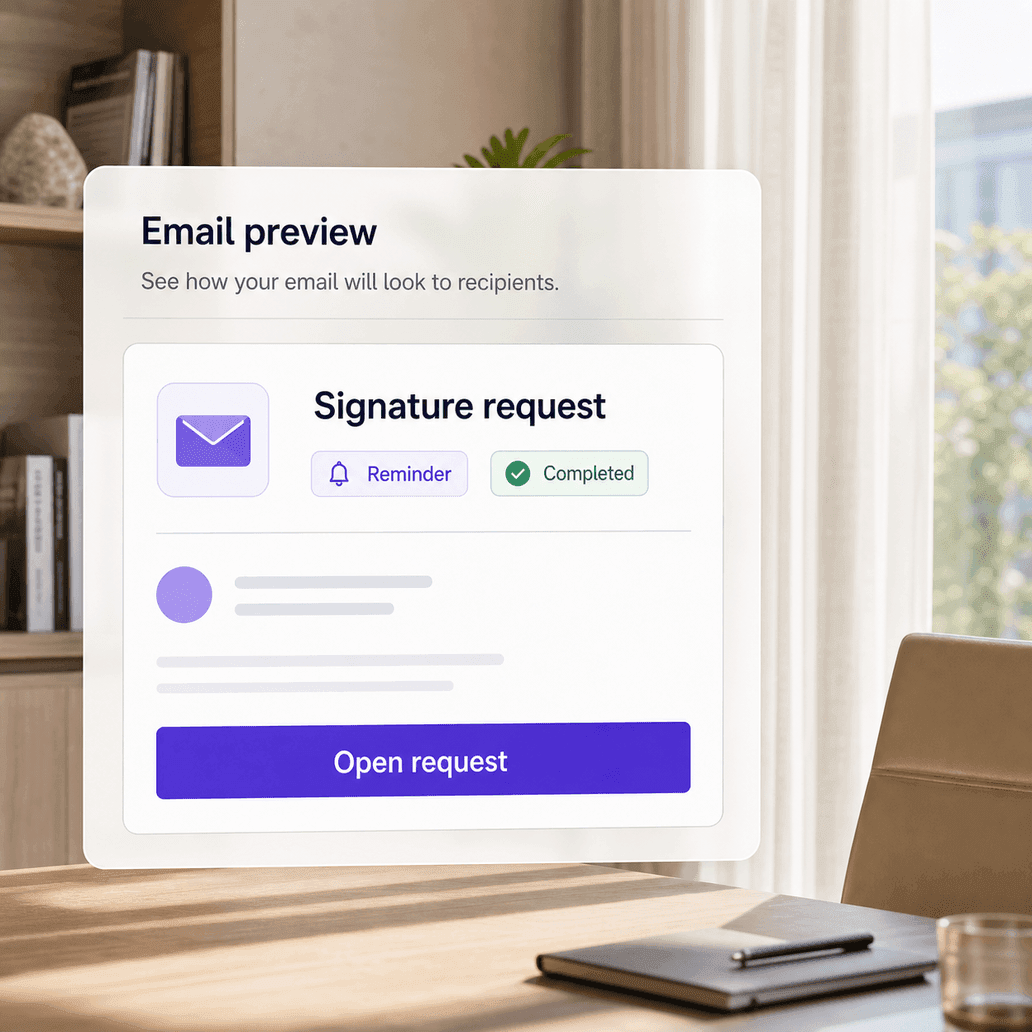
Customize the emails recipients open
Bring your brand into signature request emails, reminders, and completion notices. Consistent email branding makes requests easier to recognize and helps teams communicate with a more professional tone.
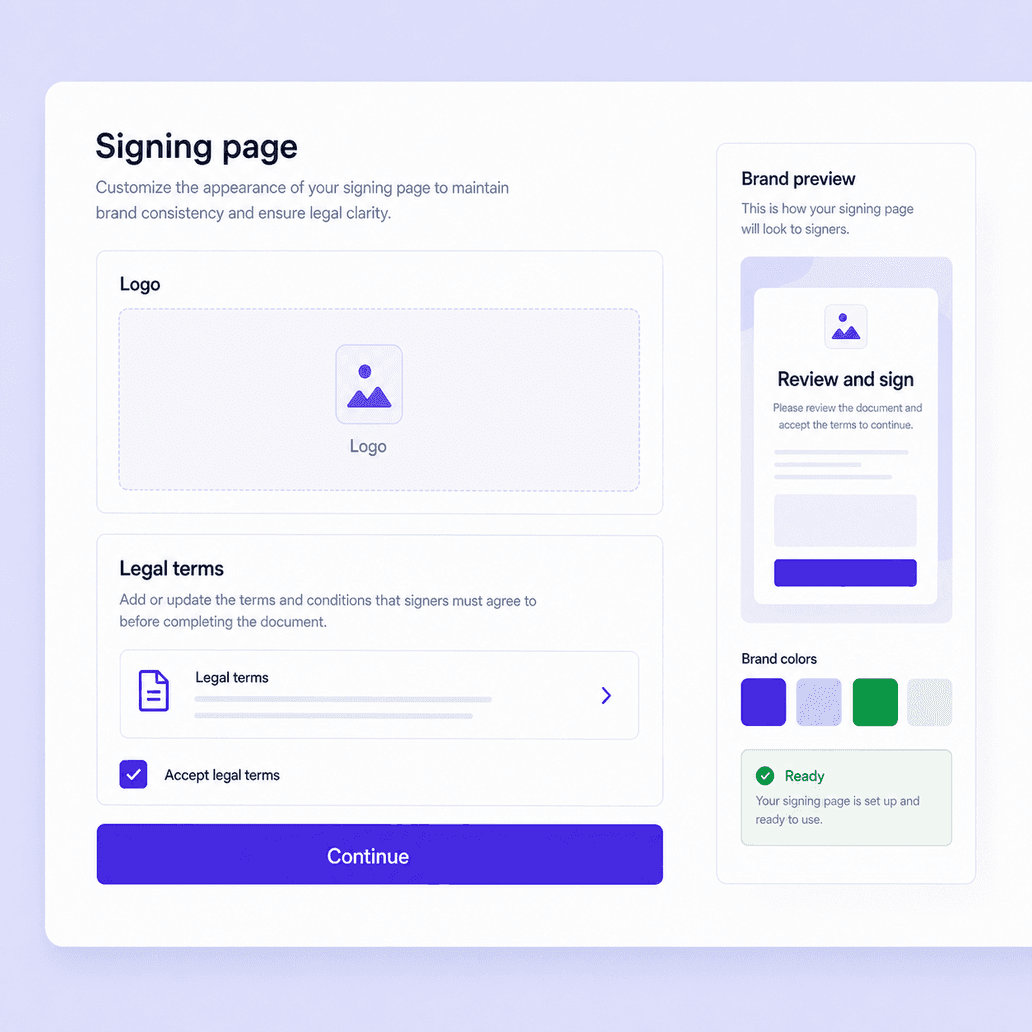
Brand the signing page and legal terms
Extend the same brand experience into the page where recipients review legal terms and sign. A branded signing page keeps the journey coherent while Nota Sign handles document evidence and audit trails.
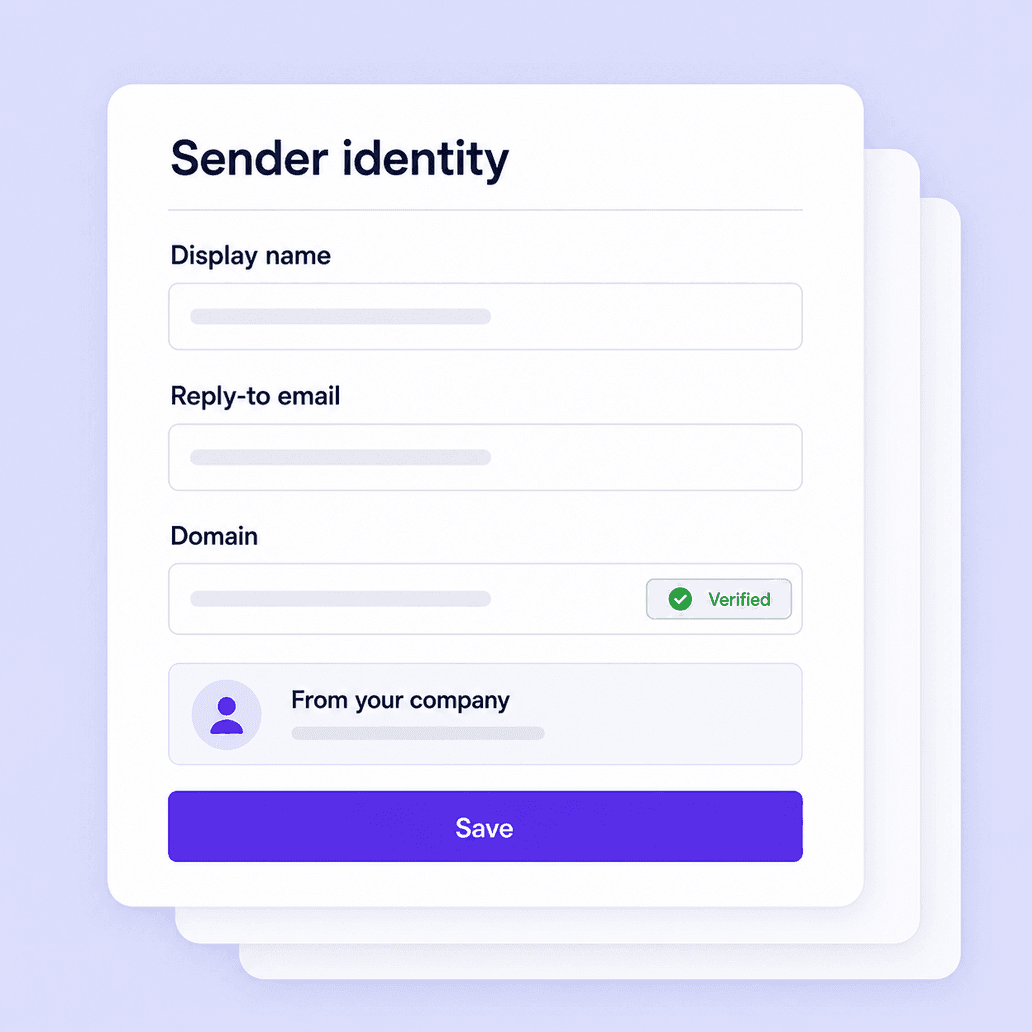
Make sender identity easy to recognize
Use branded sender details, email identity, and domain settings where configured, so signers can connect the request to your organization. Clear identity helps reduce confusion around high-value or external agreements.
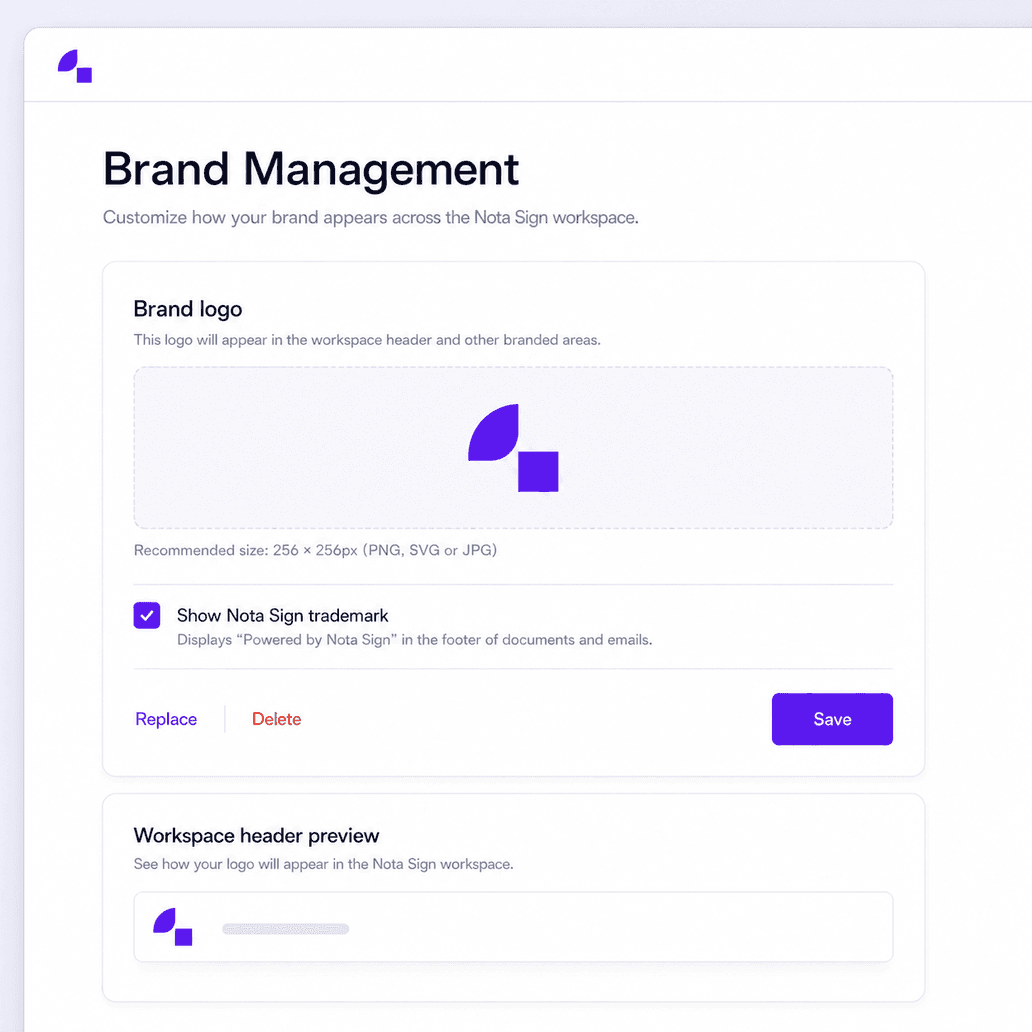
Keep branding consistent across workflows
Apply the same brand experience to repeatable workflows such as proposals, NDAs, onboarding forms, policy acknowledgements, renewals, and customer agreements. Teams can send documents with a consistent look without rebuilding each workflow.
Branding FAQs
Answers about branded emails, signing pages, legal terms, sender identity, and eSignature trust.
Create a recognizable signing experience