Meet signers where they already are
Use mobile delivery to reduce missed requests and keep signing moving.
Deliver timely mobile alerts
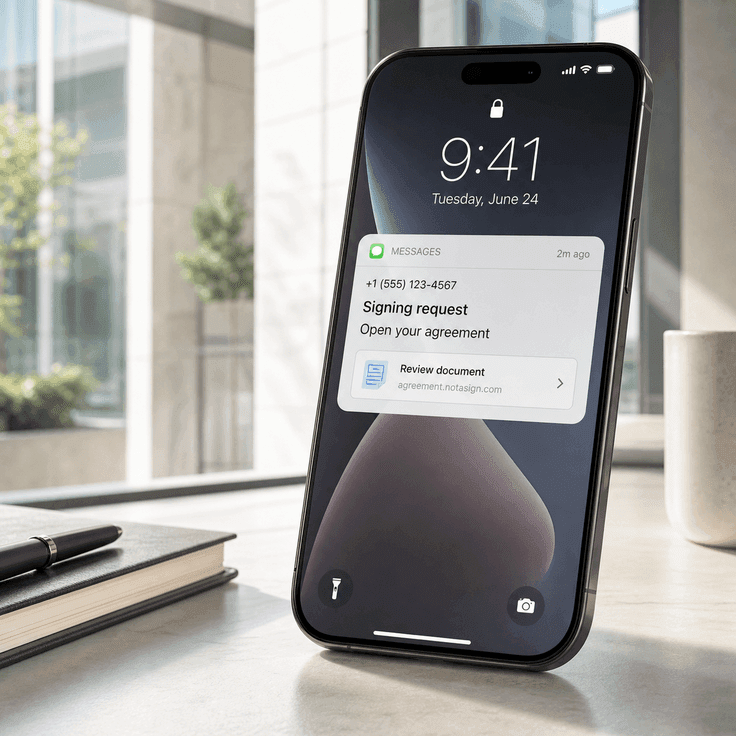
Send signing links through SMS or WhatsApp alongside email, so recipients can act from their phone.
Reduce missed signing requests
Give urgent agreements another path to the signer when email alone is easy to miss.
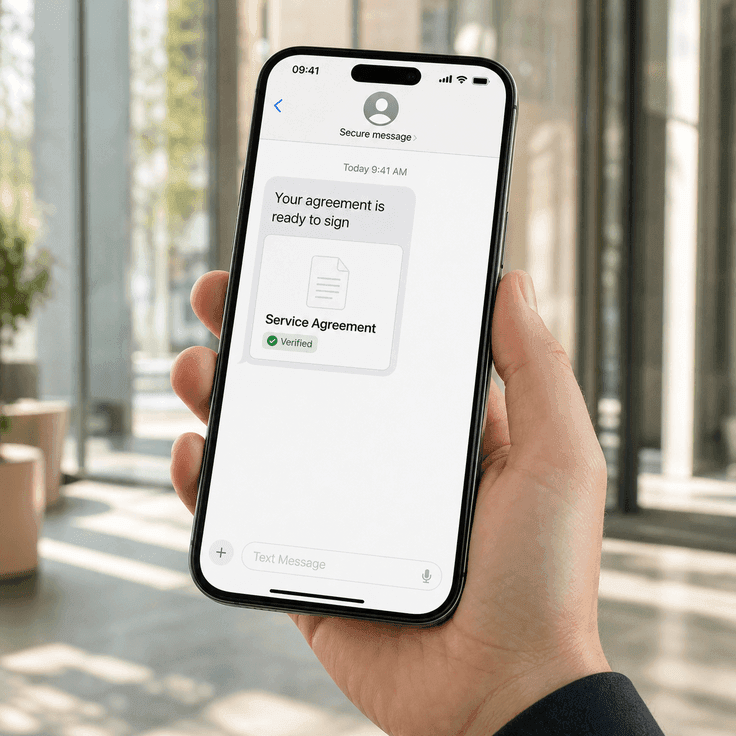
Support mobile-first signers
Let recipients open, verify, review, and sign agreements from a mobile-friendly flow.
Deliver timely mobile alerts
Send signing links through SMS or WhatsApp alongside email, so recipients can act from their phone.
Reduce missed signing requests
Give urgent agreements another path to the signer when email alone is easy to miss.
Support mobile-first signers
Let recipients open, verify, review, and sign agreements from a mobile-friendly flow.
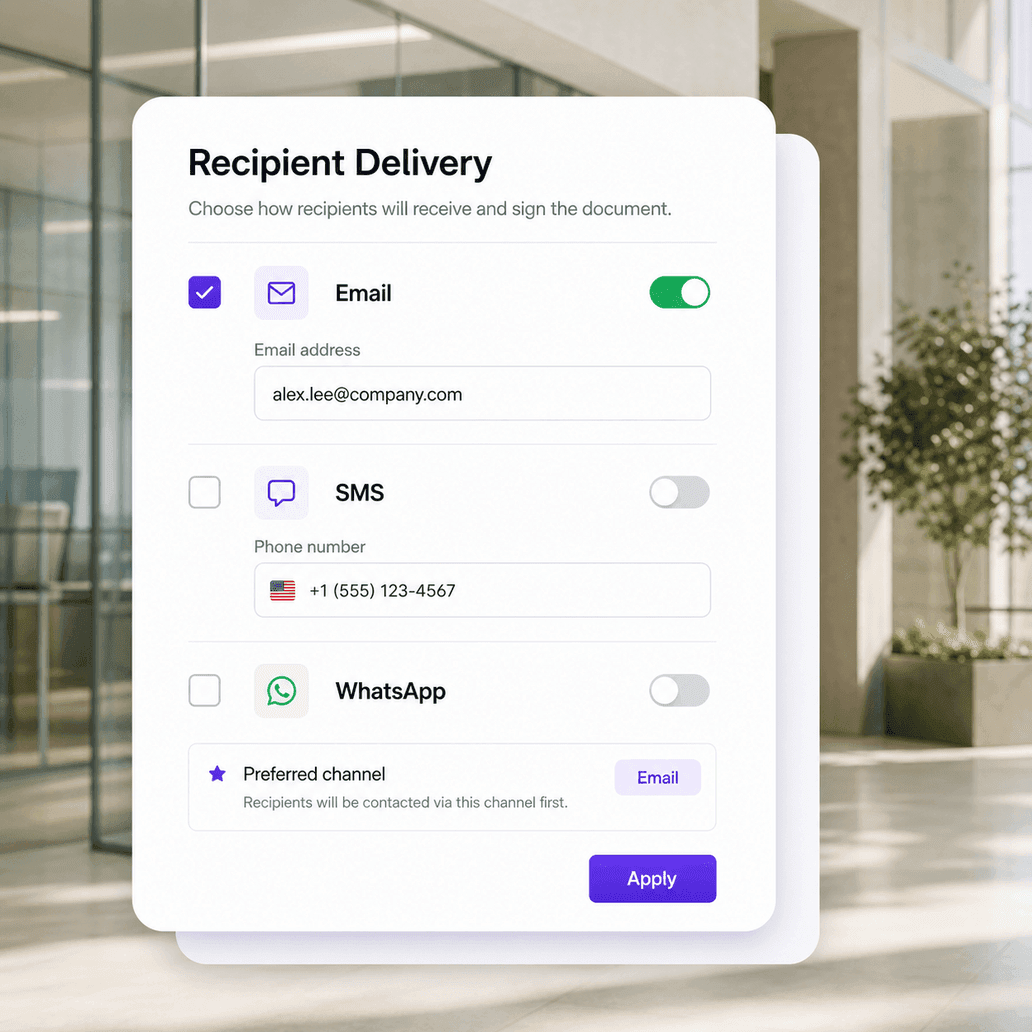
Choose delivery channels before sending
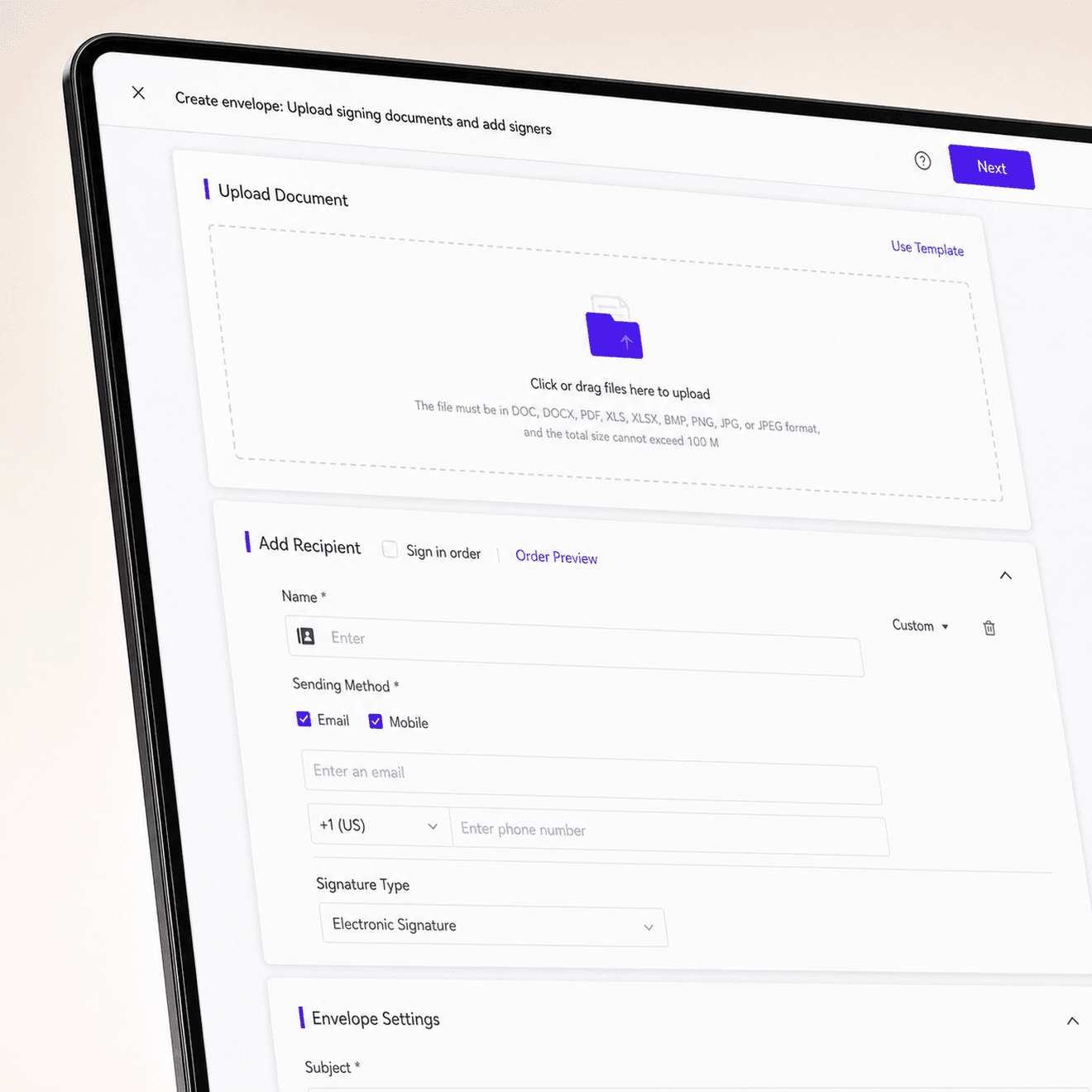
Choose email, SMS, or WhatsApp when preparing recipients, then add the contact details each channel needs. Teams can match delivery to signer preference while keeping the agreement workflow in one place.
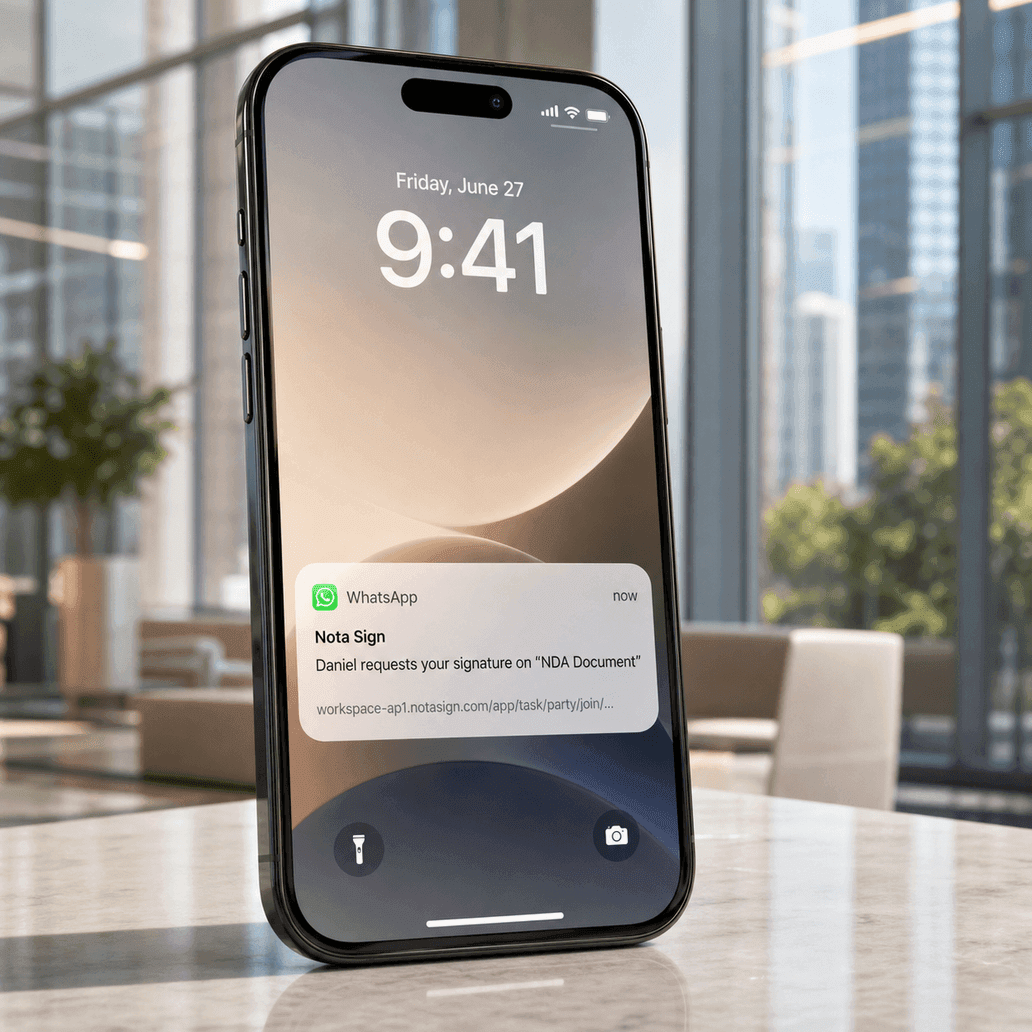
Open the agreement from a mobile signing link
Mobile delivery gives signers a clear path back to the agreement. Each message can point recipients to the document they need to review, complete, and sign without searching through a crowded inbox.
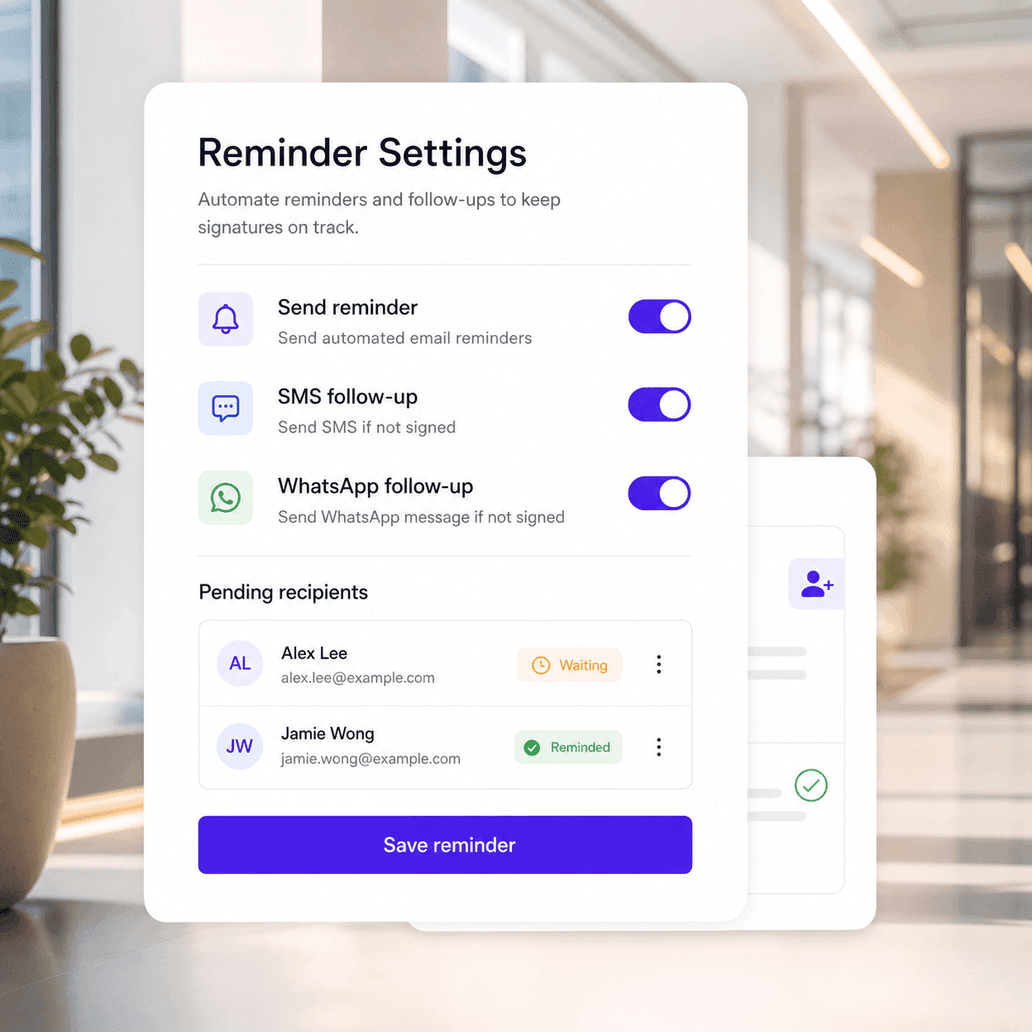
Keep agreements moving with reminders
Use reminder settings to follow up with recipients who have not completed their action. Teams can reduce manual chasing while keeping pending agreements visible to the right people.
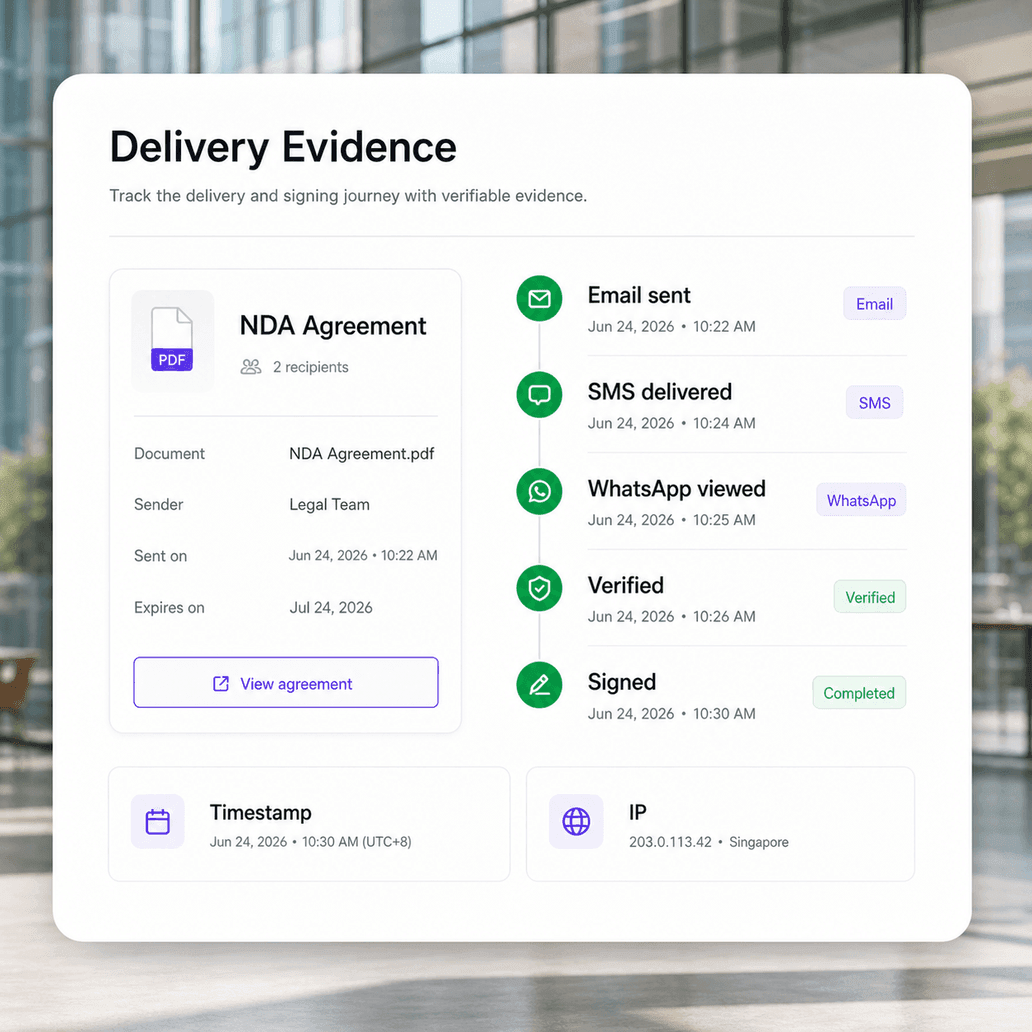
Review delivery and signing activity together
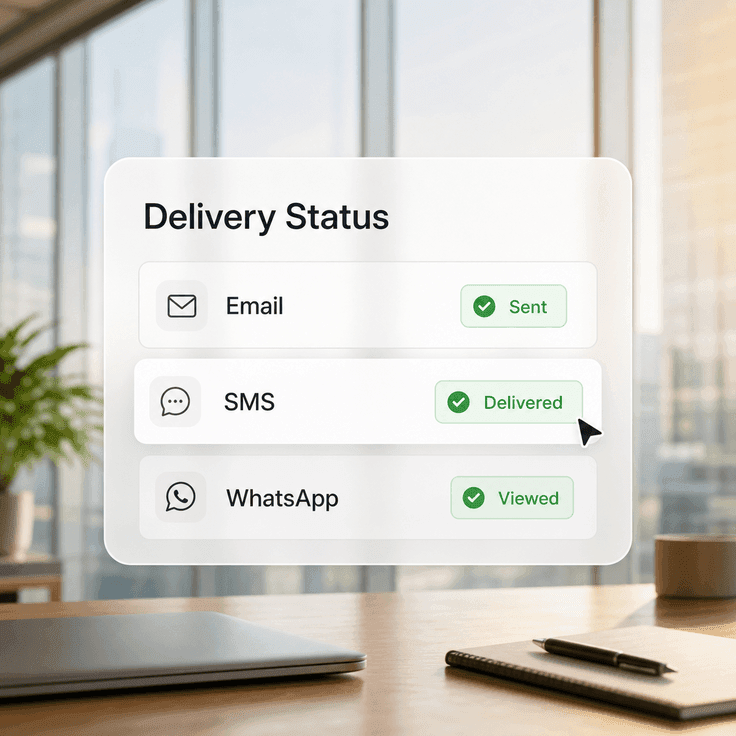
Keep the delivery story connected to the agreement. Nota Sign helps teams preserve delivery, viewing, verification, filling, signing, timestamp, IP, and timezone evidence together for review and audit needs.
Multi-Channel Delivery FAQs
Answers about SMS, WhatsApp, email, mobile signing links, reminders, and delivery evidence.
Choose the right channel for your signers