Bulk Send

Send one document to many recipients at once

Upload a document or choose a template, import recipient data, and send separate, personalized signing envelopes without building each one by hand.

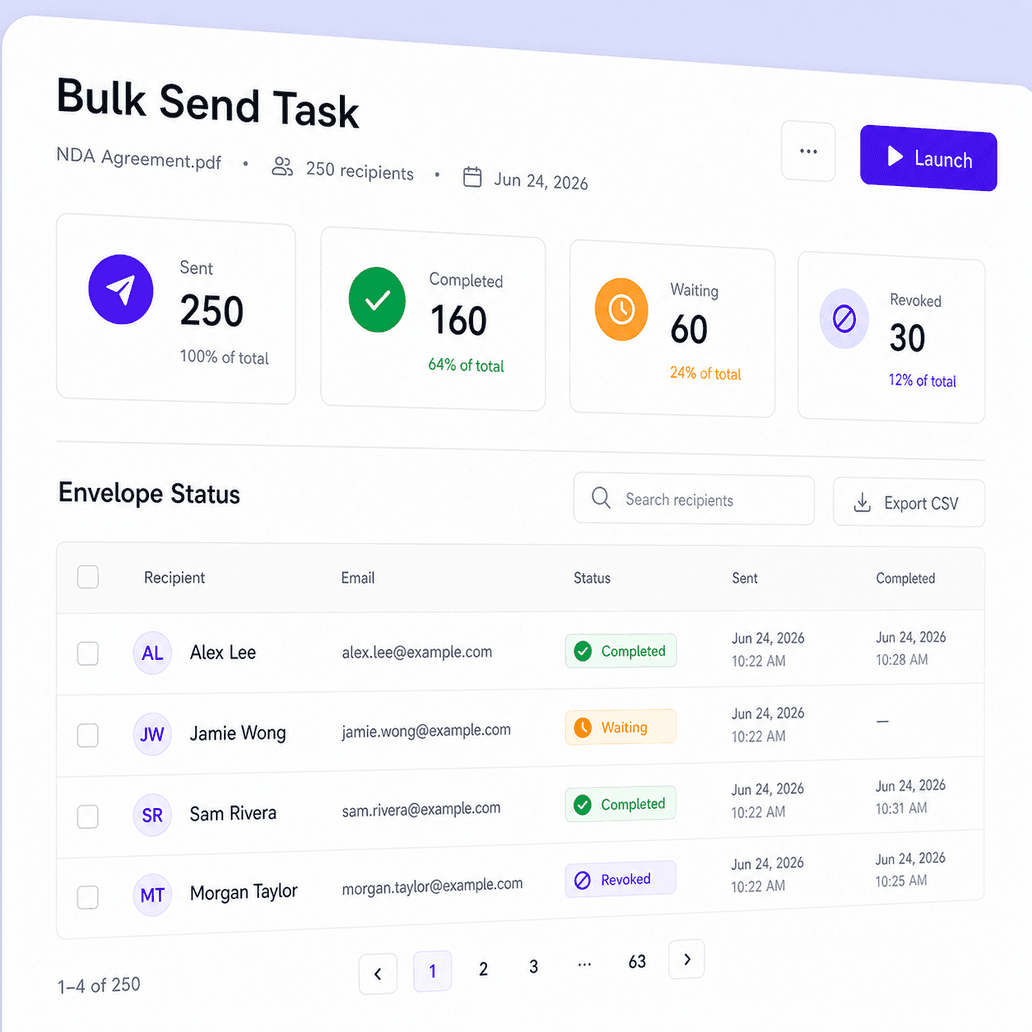
Bulk send task creating many recipient-specific envelopes

What is bulk send?

Bulk send helps you send the same document or document set to many recipients in a single workflow. Each recipient receives a separate, recipient-specific envelope, while your team manages recipient data, fields, signing methods, and status from one task.
Send personalized envelopes faster

Prepare one batch, import recipient data, and follow every response.

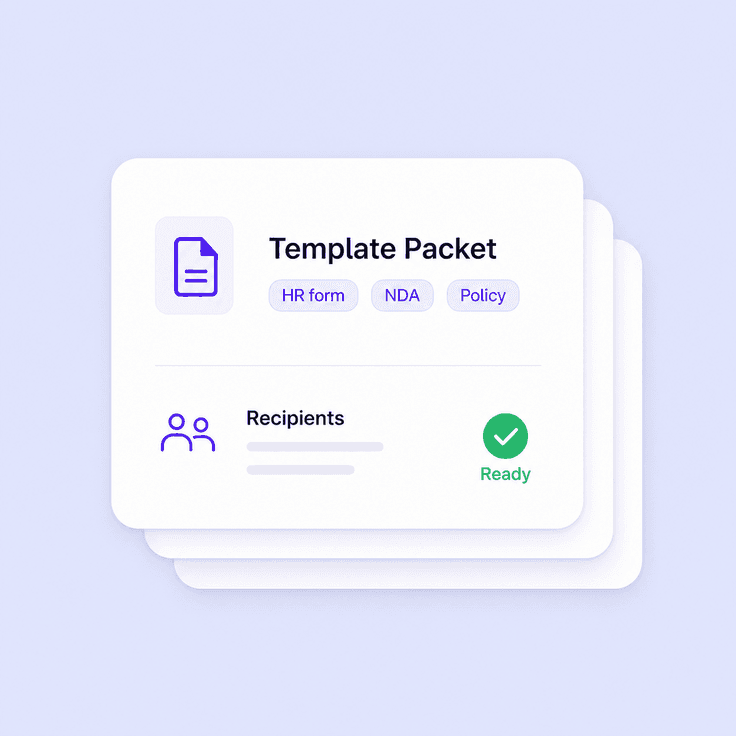
Bulk envelope creation from one document template

Create one repeatable batch

Prepare one document or template and generate recipient-specific envelopes from it.
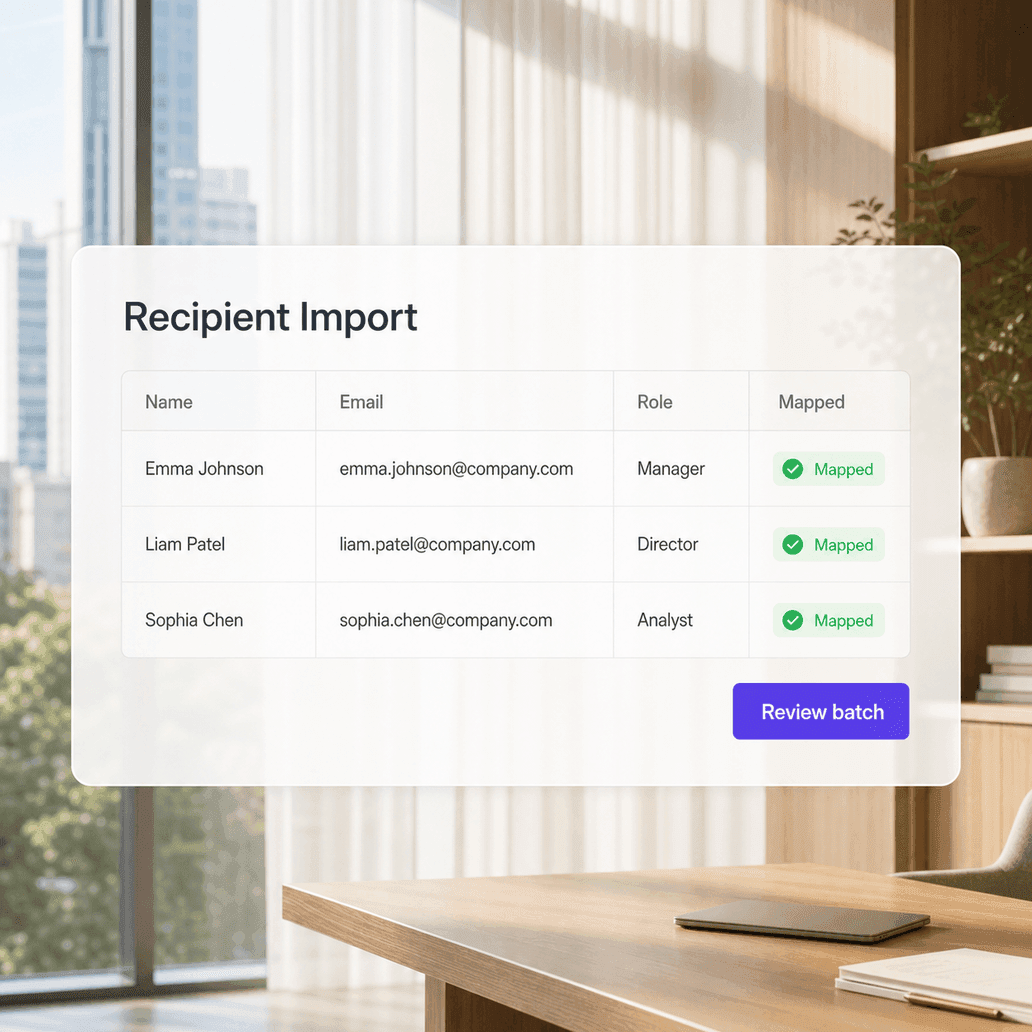
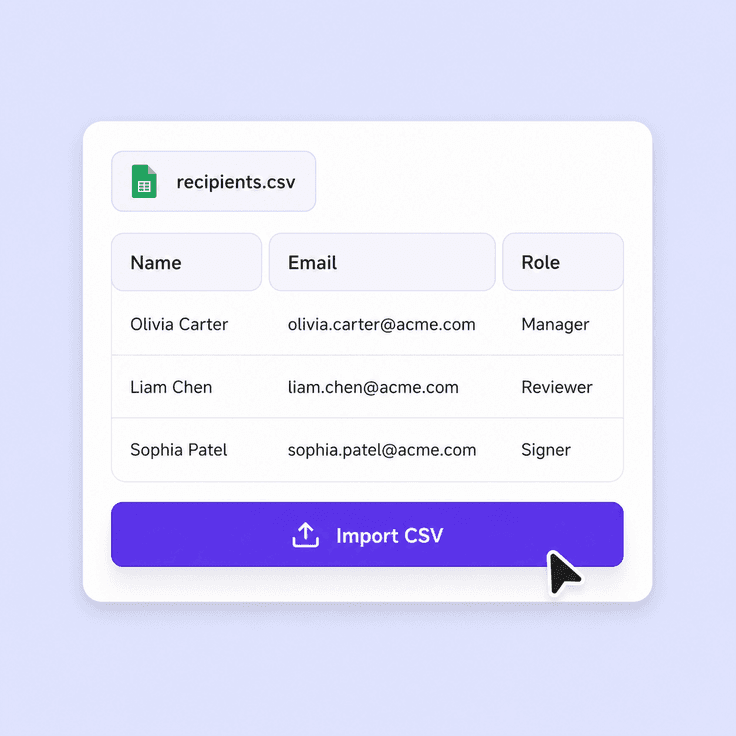
Recipient data mapped into personalized envelopes

Import recipient data

Add spreadsheet data so names, contact details, and configured fields stay accurate.
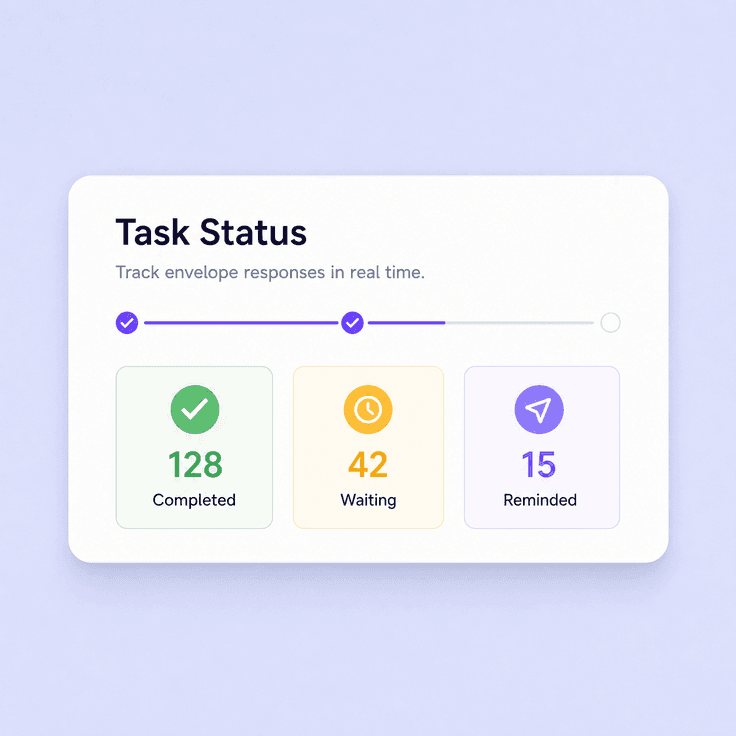
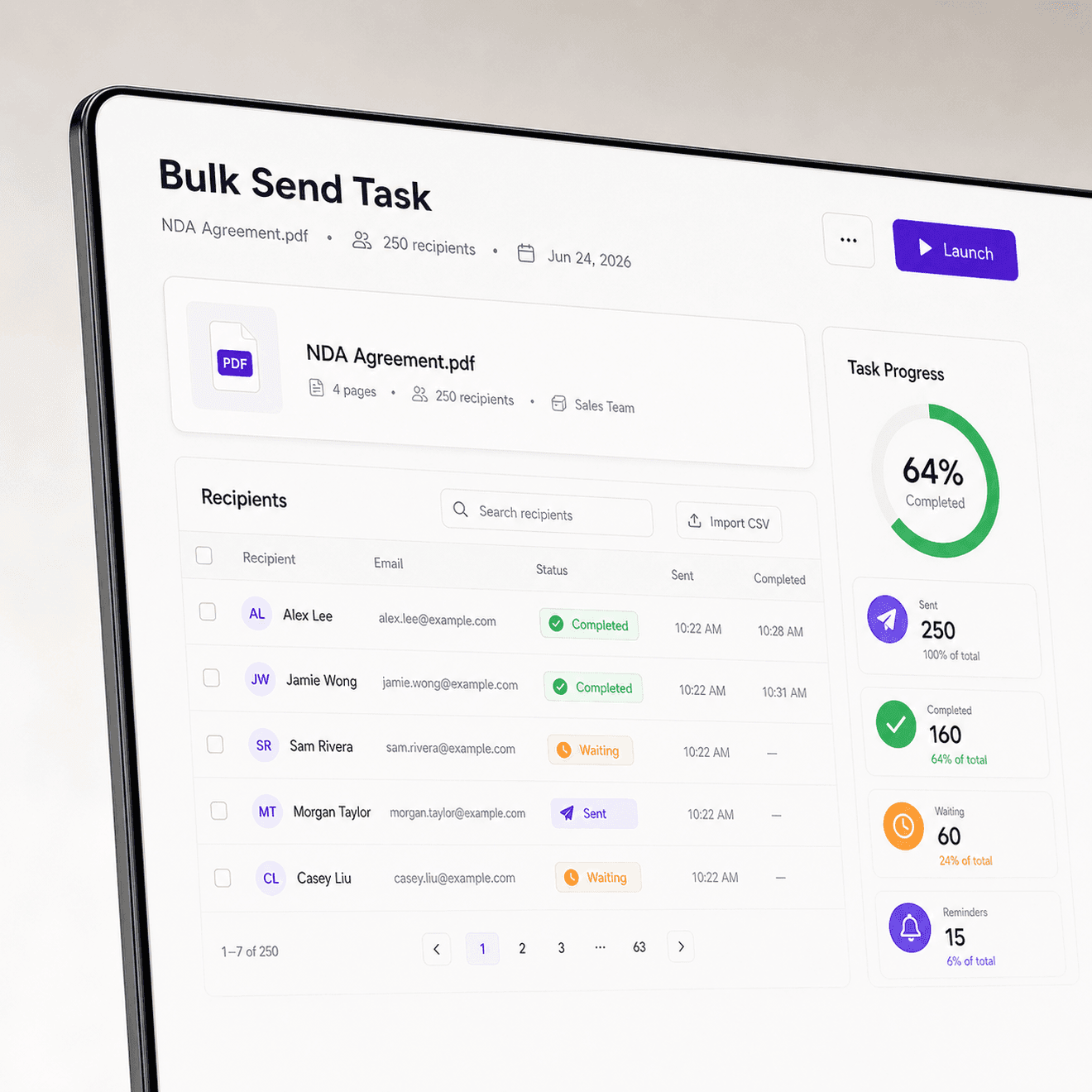
Bulk send progress and signing status dashboard

Track every response

Monitor progress, completion, reminders, and revoked envelopes from the bulk send task.
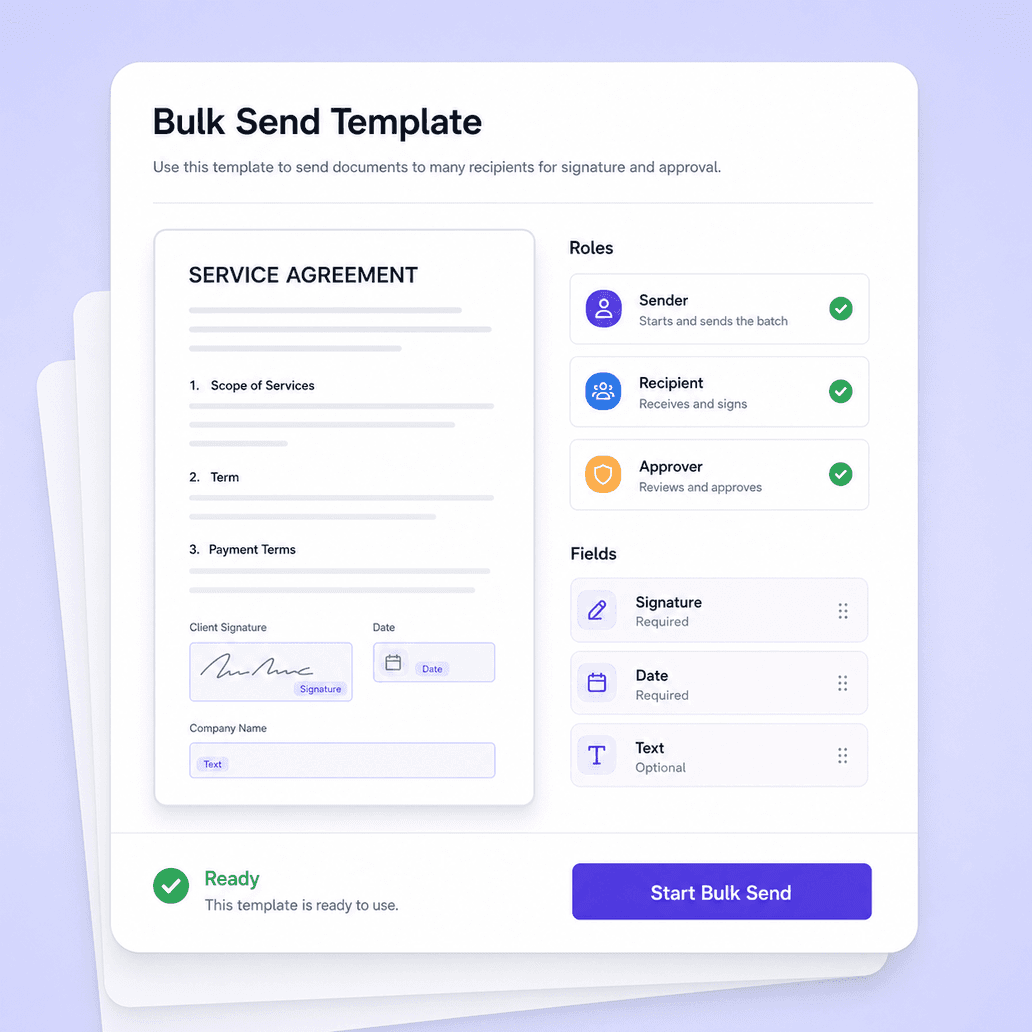
Bulk send template with documents roles and fields

Start with a document or template

Prepare a document once, or reuse a bulk send template for recurring programs such as onboarding, acknowledgements, NDAs, notices, and customer forms. Templates keep the document, roles, and fields consistent while recipient details change.
CSV and XLSX recipient import for bulk sending

Add recipients with CSV or XLSX

Upload a spreadsheet to add recipient names, emails, phone numbers, and other values. Nota Sign maps the data into the bulk task so teams can review who receives each envelope before sending.
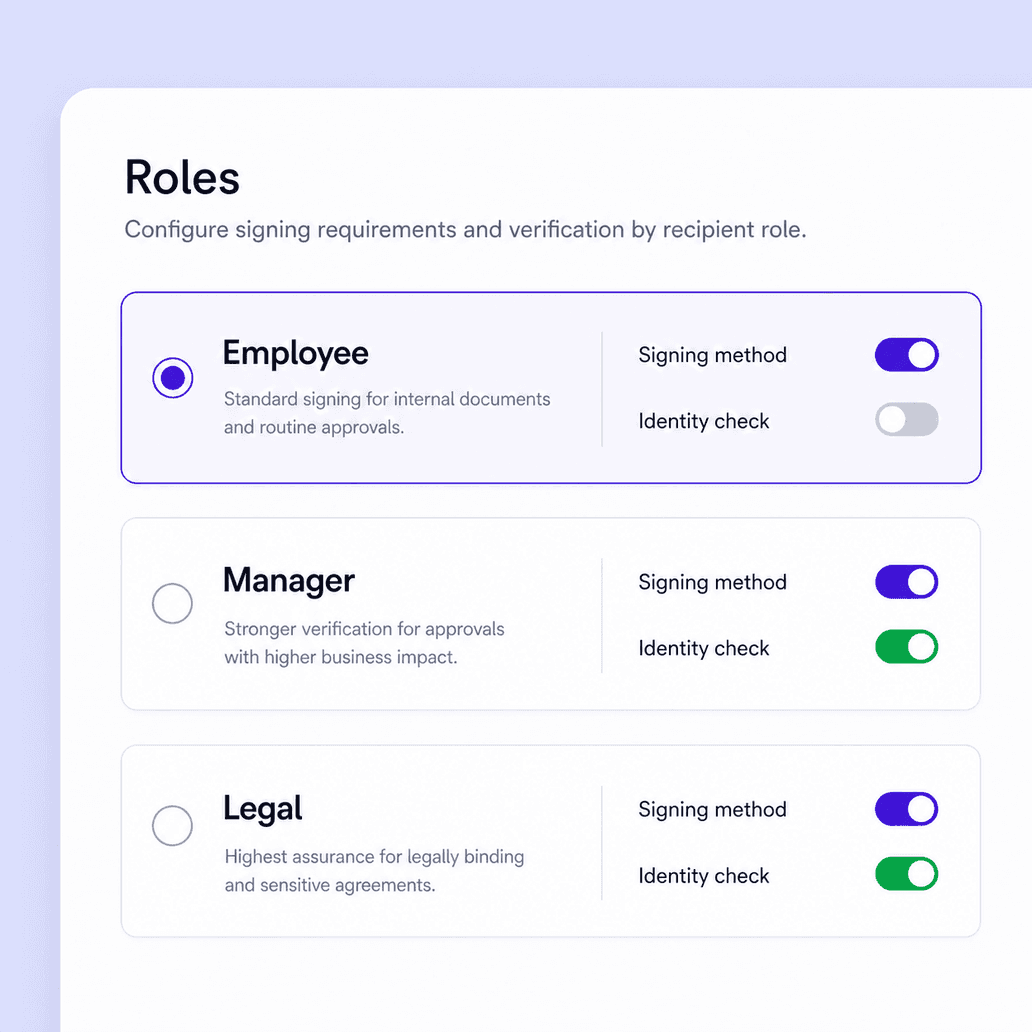
Bulk recipient roles with signing method and eKYC settings

Control roles and signer verification

Set recipient roles, fields, and signing methods before the batch goes out. Add identity verification when the workflow needs stronger assurance, then keep the same rules consistent across each envelope.
Bulk send task statistics and envelope progress

See every envelope status

After sending, Nota Sign gives teams one place to review task progress, open statistics, and inspect sent-envelope lists. Operations teams can monitor completion without opening every envelope one by one.
Bulk remind and bulk revoke controls for sent envelopes

Remind or revoke from the task

Keep the batch moving after launch. Send reminders when recipients need a nudge, revoke sent envelopes when a batch should stop, and keep each envelope connected to its signing evidence and audit record.

Bulk Send FAQs

Answers about high-volume envelope sending, recipient imports, tracking, and follow-up actions.

Send repeatable agreements at scale

Nota Sign bulk send for repeatable agreement workflows